
cross-posted from: https://lemmy.ml/post/43288310
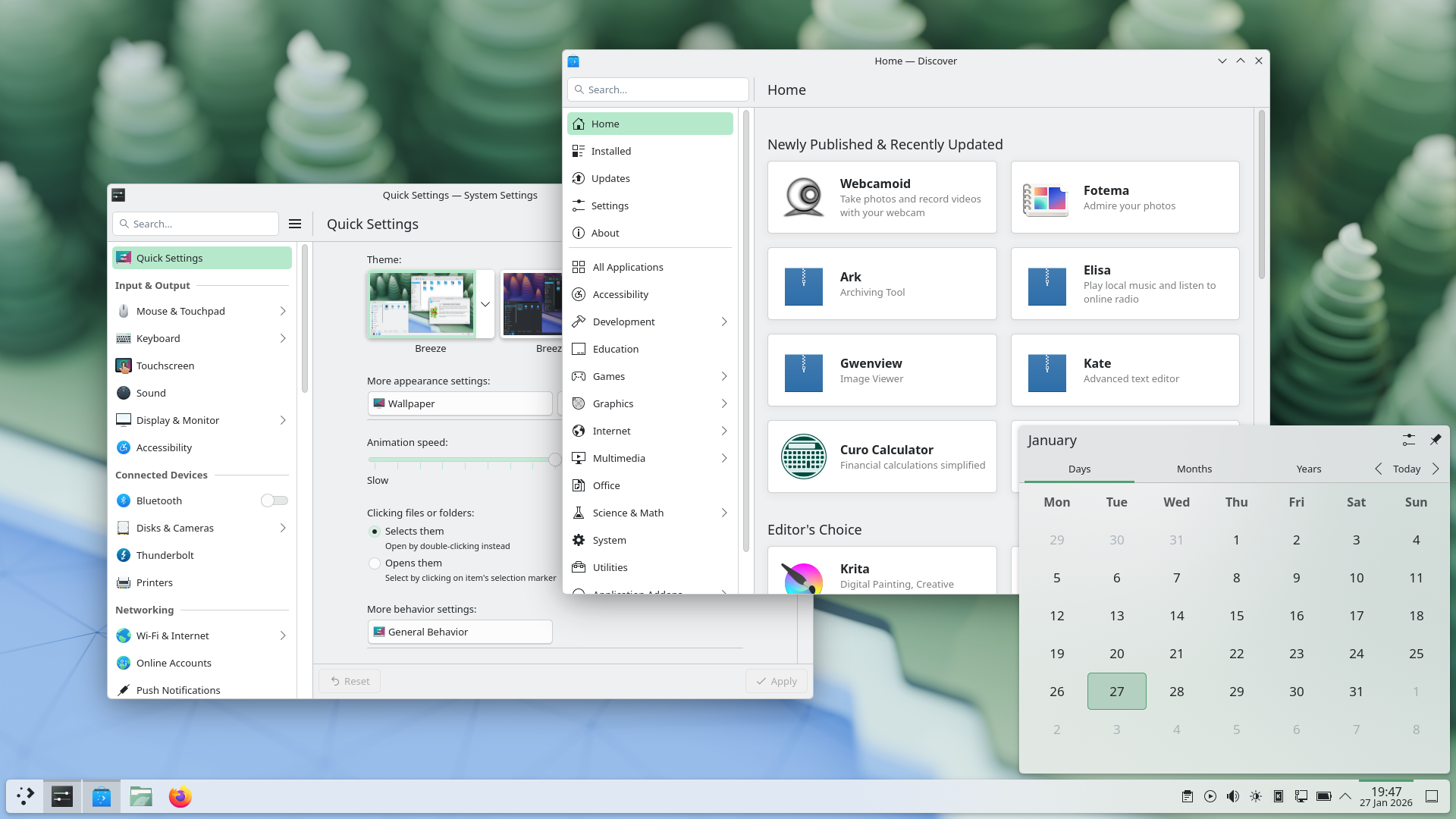
In KDE Plasma 6.6 Spectacle can read texts from screenshots, a new on-screen keybord is available for testing, a first-time wizard was added, current theme can be saved as a new global theme, emoji selector got a new easier skin tone selection, you can now connect to a Wi-Fi network via a QR code, application sound volume can be changed by scrolling over a taskbar button via mouse, and there is much more.
KDE absolutely ridiculing Windows yet again
Meanwhile Microsoft broke the fucking Notepad
Spectacle OCR is fantastic news. That is really going to simplify one of my current workflows.
The volume slider with a scroll wheel over the taskbar icons is such a clever little addition. It makes so much sense. I can’t believe nobody else thought of this.
I haven’t updated to 6.6 yet, and I can definitely do that.
I’m on 6.5.5. Probably gonna update now
edit: nevermind, Just saw the video below. Def a new feature.
Wait, do other DEs not have this? I believe even Windows has this.
Are you thinking of the volume icon in the systray? For that, it’s pretty standard that scrolling changes the volume, yeah. @muusemuuse@sh.itjust.works is talking about the volume of each individual application, though:
(I have hardly used Windows for the past decade, so no idea, if it has it.)
Ohh wow! That is a great feature ^^
It has a functional version of the concept. At least
It’s one of the things I’ve missed from windows for a long time.
You can also filter windows out of a screencast by choosing a special option from the pop-up menu that appears when right-clicking a window’s title bar:
An option to hide windows from Spectacle, when recording a screencast. Admittedly I am not much of a screencast person, but its good to know in case I need it as I have some future plans. So I could have some notes or the web browser open in same virtual desktop I am recording from.
Oh boy, feature freeze for Ubuntu 26.04 is on Thursday. Hopefully, they still include this update.
My work laptop unfortunately comes with Kubuntu LTS and I desperately want the virtual-desktops-only-on-the-primary-screen feature on there. Currently, I’m the guy that actively disables all but one screen, because my workflow does not work at all with the secondary screen switching in sync with the primary screen.
my workflow does not work at all with the secondary screen switching in sync with the primary screen
Same here. My workaround so far has been to put the windows that belong on the secondary to the “Keep Window on All Desktops” mode.
Yeah, I’ve done that occasionally, too, but it adds a load of friction for moving windows between screens, in particular also when un-/replugging the screen, so it’s still painful enough that I don’t bother with a second screen.
I guess, it also plays a role that I do use lots of workspaces, so it’s 1) extra painful and 2) I don’t have as big of a need for a second screen, since I can just switch out what first screen displays very quickly.
I’m still sticking to Gnome but I love these features and how more polished KDE looks with every update (even though I still think they need to perfect some details). It makes me really happy to know we have these really important projects being libre.