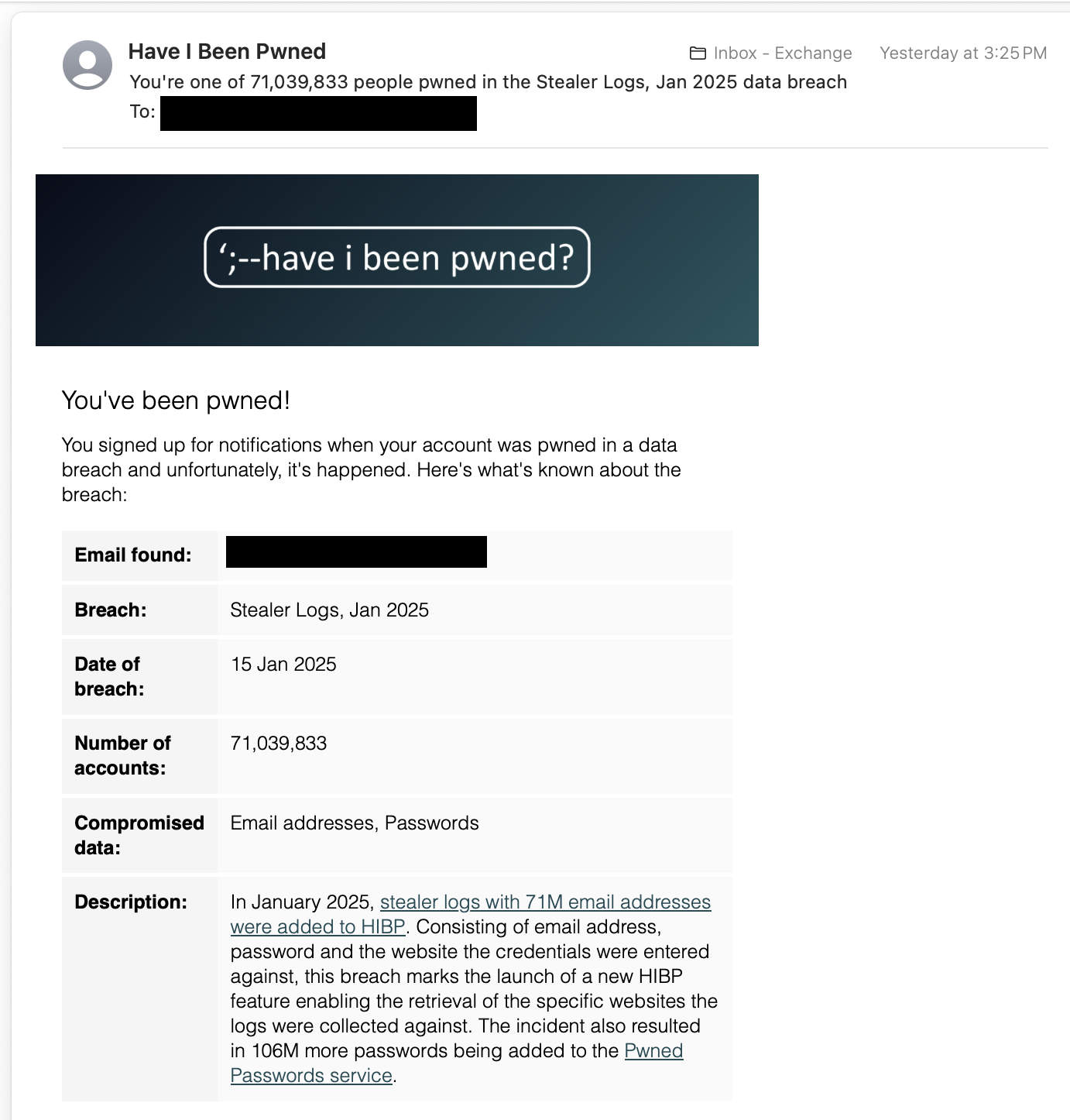
This breach is worse than just a website’s database being leaked. These are info-stealer malware logs. Meaning that you had malware on one of your devices that recorded you typing your credentials into websites and then the logs of that malware were publicly leaked.
Before changing all of your passwords (and setting up a password manager if you don’t already use one) you need to identify which of your devices was compromised and wipe it.
If you change all your passwords from the compromised device then the malware will just record all of your new passwords.
How would one identify which device was compromised?
Turn off your computer and make sure it powers down. Toss it in a 43-foot hole in the ground. Bury it completely rocks and boulders should be fine. Then burn any clothes you may have worn any time you were onliiiine
Wait a sec my grandmother is calling me about some pictures I apparently sent her
Instructions unclear, I don’t speak Swahili
Which password manager is good? I use Bitwarden but it would take forever to change all my passwords inside of it
Bitwarden.
Password manager, and use different randomly generated passwords.
The real danger is having the same password everywhere.
Also pay attention to where you save your payment info.
Everything I do online is through Privacy.com, with limits for each vendor. My amazon gets hacked? Most I’m out is $100, steam gets hacked, there goes $60. A subscription tries to double charge, lol no. Free trial wants to auto-bill me after 7 days, its not happening. Funneling everything through them isn’t 100%, but at least they’re not paypal, I get notified when ever even a 1 cent charge happens and I’m not leaving my bank card on a dozen random sites I’ll eventually loose track of.
Also a note that captial one has a similar service for their own credit cards. Def not as good as privacy.com, but still useful.
Good to know.
Start changing passwords mon ami
Get a password manager and just start going from site to site and change em up. Use strong ones and store them in the pass manager. Start with critical ones like banks, email accounts, and government stuff, and then keep going…
Also get a password manager which will check HIBP if the password has been breached already, since those are ones you’ll want to target first to change. IMO, if your high value accounts, like bank or email accounts have unique passwords, and there’s not a sign of a breach, I wouldn’t change those. This assumes that MFA is enabled on those high value accounts.
Change your password, and hopefully you don’t use the same password across multiple accounts. Since you’re asking, I assume you do. (Not shaming, just informing)
It would be best practice to use a different email and password for every account you create, and enable MFA. Email aliases work great for this, and use unique randomly generated passwords for everything. A password manager will help you create, remember, and fill these fields for you so its not cumbersome. There are many good ones, I personally recommend Bitwarden. You can get pretty far with their free version, but I recommend paying to get the authenticator built in, so you can auto fill MFA codes.
If you can’t afford this, or want to keep the codes separate (not all your eggs in one basket) then download the Aegis authenticator app. Its free and very good.
Stealer logs is pretty bad. Very bad to be fair. It means your computer is infected and have stolen all your saved passwords.
Reinstall your operating system completely. Take note of your accounts and change all their passwords. Start with your email address as its the most important one.
Change your password(s).
deleted by creator