I am posting this because I am ashamed I just found out it existed, and I thought I would subject the rest of my Beehaw friends to the same experience! 😁
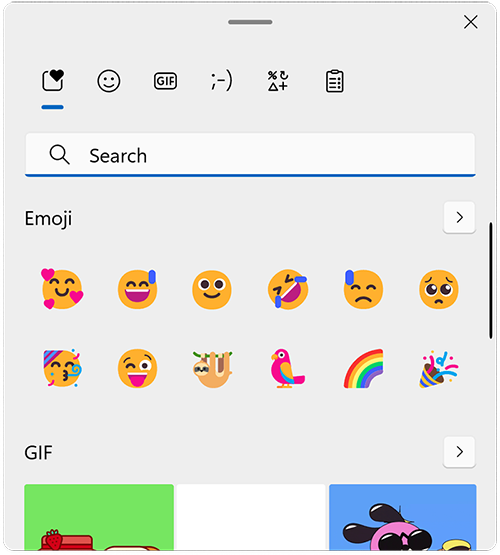
The instructions are super simple, Windows Key + . (period) opens up a little overlay which contains Emojis, GIFs, Clipboard, and some other stuff I’m not sure is useful.
Ill end this post with a question for you all:
-What was something you learned about technology FAR later than you SHOULD have?
Win + Shift + Left / Right Arrow will shift a window from one monitor to the other. Should have known that keyboard shortcut a lot longer than I have.
I actually learned this one working at an IT help desk. It’s the main way to fix the “I can’t find this window” problem when people throw an application screen entirely off monitor or it’s just poking out by 1 pixel and they can’t find it.
Hit that shortcut and it snaps to one of the screens and you can go from there!
Yeah it’s quickly become one of my most frequently used keyboard shortcuts, and I’ve used it for exactly that purpose as well.
On IBus, Ctrl+. can be used for typing emoji.
A neat feature of Firefox is that Alt V Z T makes zoom adjust text sizes without blowing everything else up in size.
Um… thanks, I’ve going to Emojipedia and copy and pasting from there. 🤦♂️
Hey no one ever said having an alternate way to do something is a bad thing! Redundancy is good! Thank you for the tip!
Sure thing. I kinda feel like I just told everyone I get out of a car through the window and I never knew you could open the door. Lol. Thank you for you positivity.
I didn’t know about this. Just looked it up on Mac (MacOS). It’s the Globe Key + E. If you don’t have a Globe Key, it’s FN Key + E.
Works in KDE on Linux aswell.
Works in KDE Plasma too!
I only found out about the emoji keyboard when I got a Microsoft ergo keyboard at work, and it has a dedicated button for the emoji keyboard
Honestly, an emoji button should probably make its way into the standard keyboard layout very soon with how prevalent it’s use had become
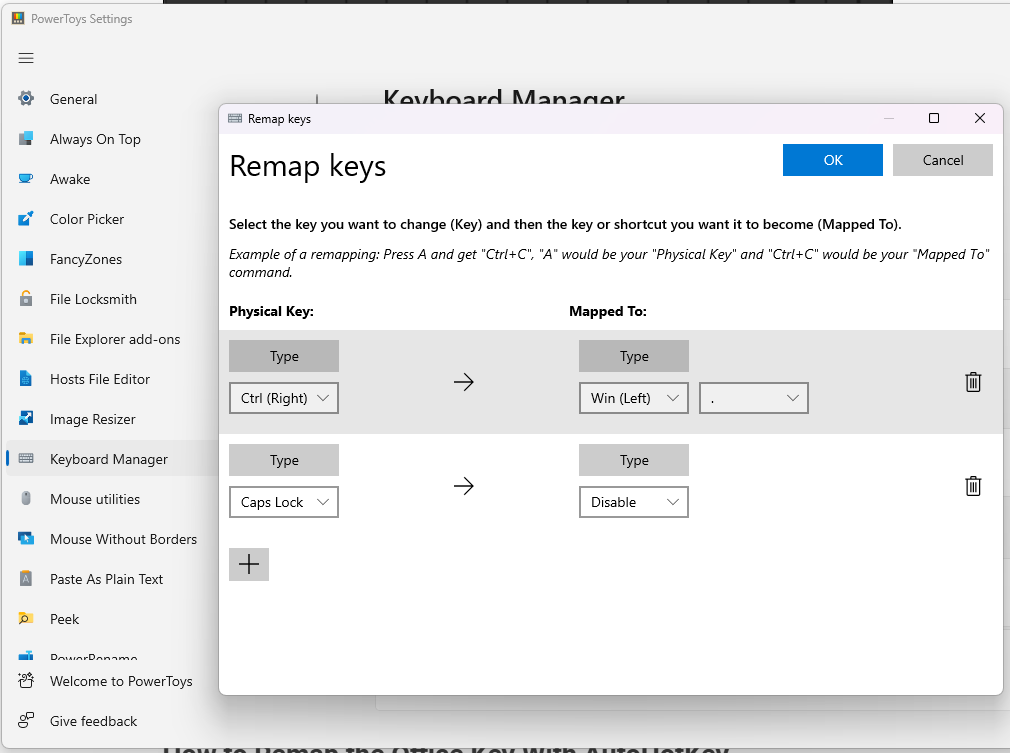
I vote we sacrifice the right control key, or shorten the right shift key, for this :P
IIRC this feature used to only be available in English locale and needed a registry hack to enable it on other locales. That might not be the case anymore
Works on German locale here out of the box now. (Win 10)
But I also learned about this feature pretty recently.
Sounds like maybe when they released the feature initially? Although I’m more thinking of the normal style of rollout where they trial a region first.
Wow TIL! Will save a lot of copying and pasting in the future lol.