I’m sorry Timmy but you’re not allowed to have any dessert unless you close your tags like I taught you. Your grandmother was XMLish and you need to carry on our family tradition.
I thought you might do something like this so I got you a backup one from AO3.
🤓 ackshually that’s not the HTML spec. Void elements should not have trailing slashes.
https://developer.mozilla.org/en-US/docs/Glossary/Void_element
> Clicks on
<br>
> Example is<br />
The actual thing that matters is that the
/is ignored so (unlike with XML I believe) you can’t self-close a non-void element by adding a trailing/. But “void elements should not have trailing slashes” is extrapolation on your part; the trailing slash improves readability and is kosher since it doesn’t act as a self-close.It’s not extrapolation on my part, the HTML spec is pretty direct about it:
- Then, if the element is one of the void elements, or if the element is a foreign element, then there may be a single U+002F SOLIDUS character (/), which on foreign elements marks the start tag as self-closing. On void elements, it does not mark the start tag as self-closing but instead is unnecessary and has no effect of any kind. For such void elements, it should be used only with caution — especially since, if directly preceded by an unquoted attribute value, it becomes part of the attribute value rather than being discarded by the parser.
https://html.spec.whatwg.org/multipage/syntax.html#start-tags
I don’t think it’s an extrapolation to say that code which is “unnecessary and has no effect of any kind” should be omitted.
And yeah, I linked the MDN docs because they’re easier to read but if they disagree then obviously the spec is the correct one.
To be annoyingly nitpicky, how is “unnecessary” defined in this context? Whitespace is usually “unnecessary” but I quite like it for readability.
I broadly agree with you though, the W3C spec changes things.
Trailing slash lets you do this though:
For example, in the case of
<div/>Some text, browsers interpret this as<div>Some text</div>, treating the slash as ignored and considering the div element to encapsulate the text that follows.This is terrible.
You should never rely on a browser interpreting a non standard use in a specific way. It can change at any moment, and wouldn’t be reliably reversed because it’s inherently non standard.
TIL. Funny thing, though, is that they give an example of how to use
<br>and have it with trailing slashes. And then explain that trailing or preceding slash will be ignored, anyway ¯\_(ツ)_/¯
It’s actually more confusing/less correct to close bodyless elements in HTML. Since HTML treats “/>” the same way as “>” which could lead to a “/>” tag not actually being closed, if it is used on a non-selfclosing tag.
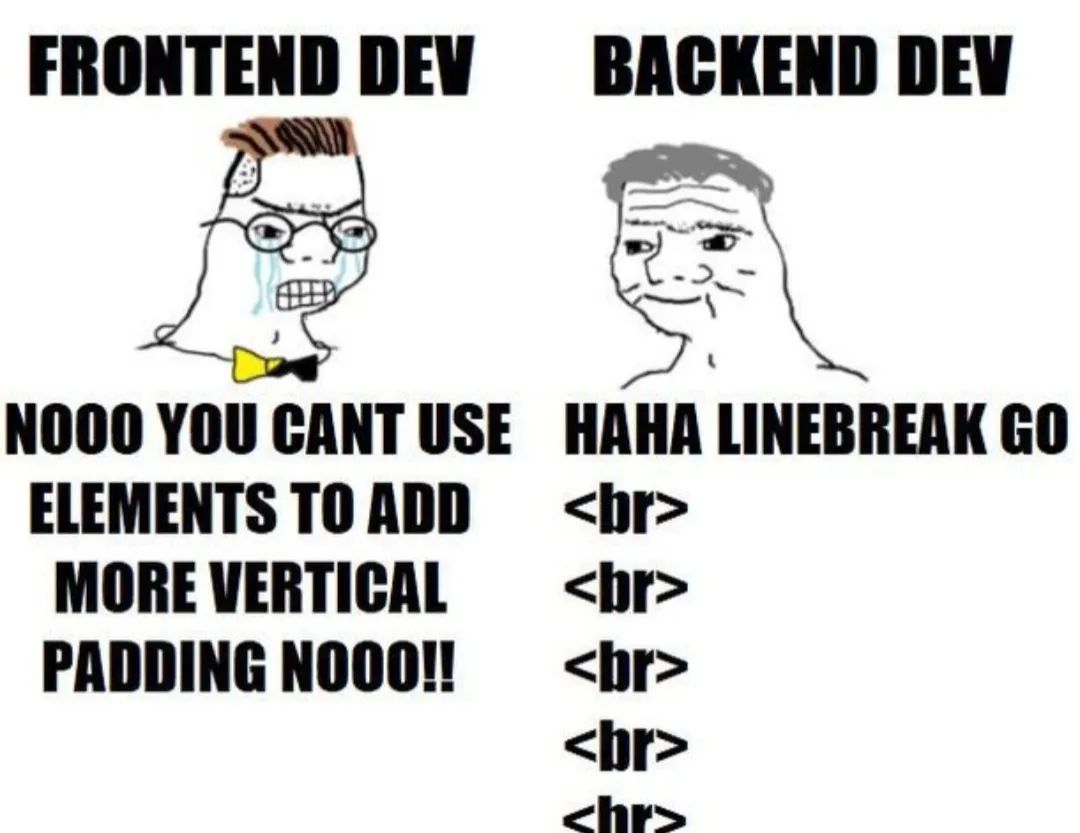
Need some padding between elements?
Haha nbsp; go brrrrrrrr
I too use
elements go <br>
The one on the right should be labeled “full-stack dev” because that’s like 80% of them and they write in C# and Angular 😂
Oh boy.
We had a class in the first semester of uni where we had to create a static html page based on a screenshot.
There was this one textbox at the top of the site, where the only way you could recreate the screenshot was by using a
<br/>in the middle of the text.The prof was very picky about your HTML being semantically thorough and correct, so that was super weird that that was necessary.
A break is absolutely correct html though.
My point is sematics.
You can style your whole webpage with divs, but using main, nav, footer or whatever blocks is semantically more correct, because you group elements together that have a certain purpose.
A HTML Tag in the middle of a sentence is not wrong per se, but when parsing it a line break could signify two sentences where one has missing punctuation, instead of a complete sentence as your original intention was.
I don’t really care how the design you want is achieved to be honest, but I don’t get why the prof didn’t argue against.
<img>tag harr harr
( ( laughs in old… ) )
I feel seen…
In my own HTML-inspired text format (ETML - embedded text markup language),
<br />can be formatted to have as much space as you need.<br>
actually:
<br>but only sometimes.
This made my eye twitch