

- cross-posted to:
- programming@lemmy.ml
- cross-posted to:
- programming@lemmy.ml
Shameless plug: I am the author.
You must log in or register to comment.
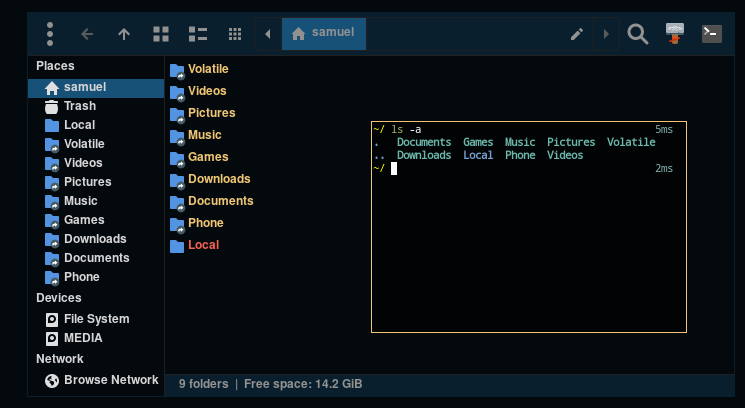
Shameless flex
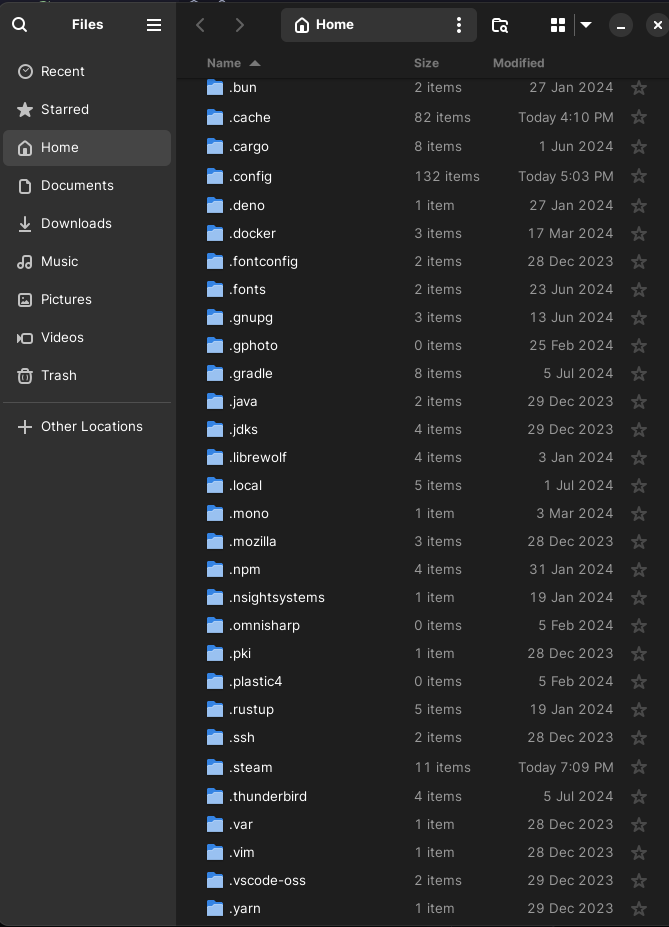
I regret checking this
This is probably a dumb question, but what program is that?
Looks like thunar (default file manager on xfce)
thunar (and the smaller window is the xfce4-terminal).
Lol, the minimalist window decoration had me thinking you were running a terminal inside of the home directory of your file manager. :D
I’ve seen weirder things.
Honestly, that’s what I thought too, and wanted to check that out
ls VolatileIt’s empty lol, it’s a directory on tmpfs that i use to build programs and similar stuff to not be hammering my ssd with unnecessary writes.
I have
$XDG_CACHE_HOMEin tmp as well and I moved the mesa sharer caches to$XDG_STATE_HOMEas that’s really the only thing so far I’ve needed to preserve.tmpfs (…) to build programs (…) to not be hammering my ssd with unnecessary writes
Sounds useful. How did you setup the directory?
Running
dftells me “tmpfs” is mounted on /run. If I build in that that directory then would it be stored in RAM, or do I need to do something else?I have /tmp in my fstab with these mount options.
tmpfs /tmp tmpfs rw,noatime,size=20G 0 0And the rest of the setup is done in my zprofile
I think I should be able to get this working following your zprofile file. Thanks!
Whoa I’m a stickler for getting as much as I can out but even I have .zshenv and some other too hard to figure out things in there. How’d you manage a total wipeout?
zsh is actually easy and it is detailed in the archwiki
You have to set
$ZDOTDIRin/etc/zsh/zshenvand iirc that was the only location that required root to edit.For the rest of stuff, here is how I fix steam for example and you can check the rest of my dotfiles for how I configured zsh and all of that.
Although I haven’t updated them, I still had a
.localdirectory back then, it was 1 week ago that I changed.localforLocaland that let to an issue with distrobox which I made a PR fixing it that’s still open though.That’s awesome!