

1·
2 days agoYour knowledge on this is amazing and I wish I also worked with such this earlier on. Thanks so much for sharing! :)

Your knowledge on this is amazing and I wish I also worked with such this earlier on. Thanks so much for sharing! :)
Thank you so much for sharing your first hand experience! I’ll make sure to point out when they contact me that this can’t keep happening every time there’s a reboot.
That’s great insight! I think I’ll ask them when they get back to me on the current ticket, why the ONT doesn’t retain the setting after a power cycle (if that indeed is the case). I unfortunately don’t have any legitimate way to interface with the ONT and I really don’t want to get on their bad side by trying to hook something up in a MacGyver fashion. Worst case scenario, they charge me $200 in technician fees if they find out that I accidentally messed something up in the process.

I also remember using DC++: https://dcplusplus.sourceforge.io/webhelp/index.html
Bittorrent is probably better for anonymity/privacy, though, right?
To think that I’d live to see somebody with cookie knowledge! Hats off!
Yeah, I’ve had my eyes on a Pixel for a few months now. Maybe I could even keep my Samsung an compartmentalize shit: pixel for private use, Samsung for google shit
Running Linux since 2019. ;)
Getting rid of gapps on my phone will take some more tinkering, since certain apps that required to get by in my society rely on Play Services. But I’m getting there!
Nice! Especially the Liberux, as it seems like it’s going to have “jailed” Android for apps that need that environment. Maybe that’s similar to what Graphene does with their sandboxed Google Play Services?
If my Samsung is shot (and shut) down during this year, I’m leaning toward a Liberux, Jolla or a Fairphone with Ubuntu Touch, in that order.
I agree, I tried to shove two themes into one. Samsung’s decision to disable bootloader unlocking from OneUI 8 just kind of puts more weight on Google’s decision on disallowing unauthenticated apks. For Samsung users, that is.
Forget it. Check out fossuser 's response!
+1
Also, WiFi can also be used to track users: https://www.youtube.com/watch?v=poaqwozBqHY
Try resetting your access point settings. Connections -> Mobile Networks -> Access Point Names -> reset to default
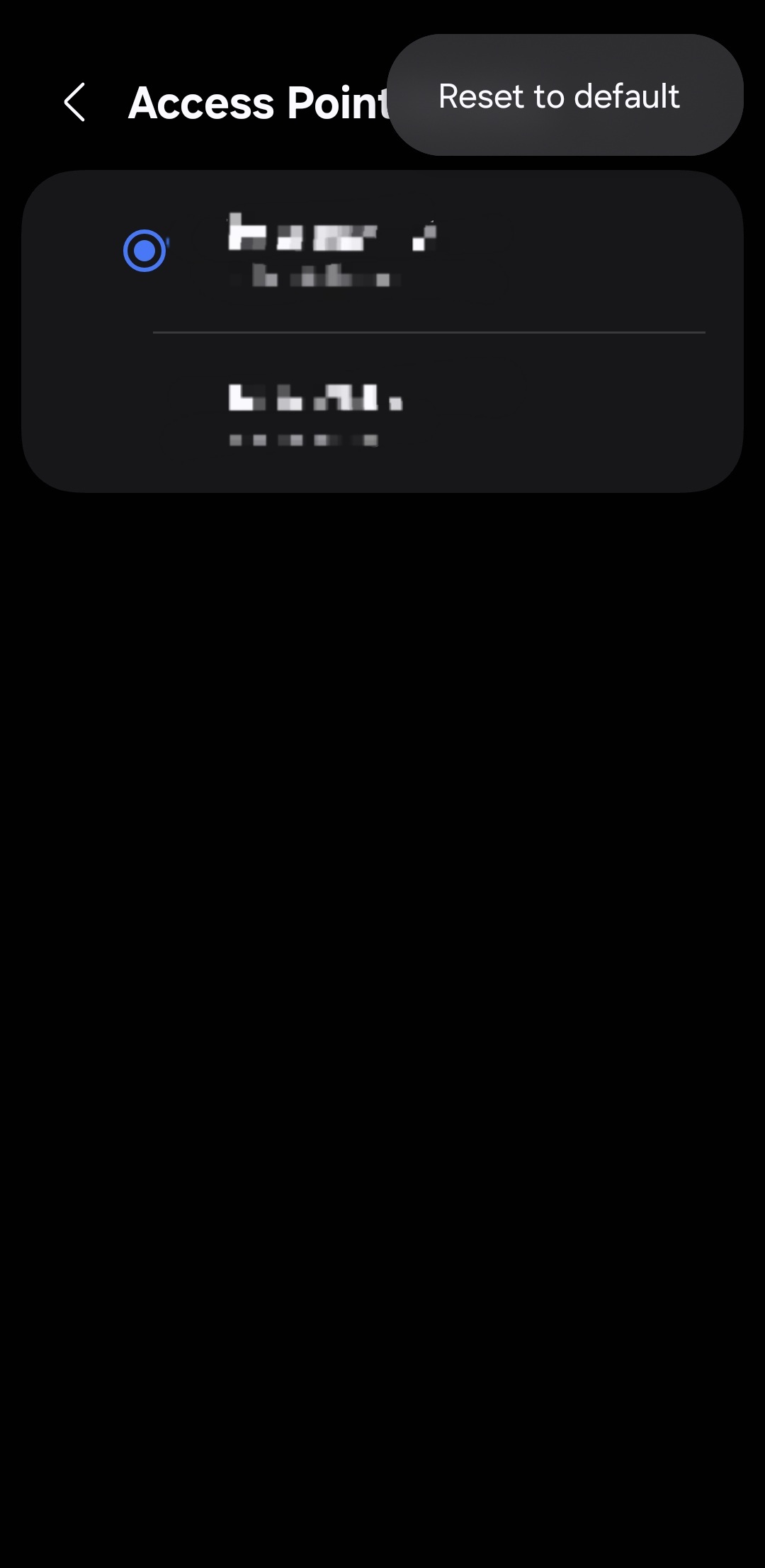
If your VPN app/settings provide an option to turn off IPv6, try that.
I agree! But to be honest, pre written, essay like, high paced presentations like this one are sometimes hard to follow for nonnatives like myself. Even if his witty expressions really are a nice touch when I do get them!
I just wish there was an open source alternative to my BIOS on my ASUS motherboard. Coreboot and Libreboot only work with laptops, if I’m not mistaken.
Also, some proprietary blobs are unfortunately still more performant than their open source counterparts, such as WiFi NIC drivers.
I guess one just has to decide whether to prioritize performance or to take a stance and a stand✊
That’s absolutely right. Haven’t used wireless debugging in a long time.
Totally agree! Samsung, which I use, allegedly intends to - or has maybe already - blocked bootloader unlocking in their latest OS update, One UI 8. To be on the safe side, I intend to stay on version 7. Still, it does “punish” me with a warning screen at ever boot, saying YOU’RE NOT USING THE OFFICIAL SOFTWARE BLABLABLA.
On another note, I remember the good old days when there were small businesses around the corner in my city that specifically did bootloader unlocking, gaming console modding and some other stuff that today is either unfeasible, finable or just straight illegal and punishable. Sad.
I also remember having successfully setup a raspberry pi for the first time ever in order to use it as a media hub. The first thing I did was to fire up Netflix - which I since have parted ways with - only to be greeted by a message that said that they don’t allow usage of their services on open platforms. Mmmm the rage that builds up inside of me as I’m typing this. Sorry, this last one didn’t have to do with bootloader unlocking and relocking.
100% worth it even without a custom OS.
I have been using my rooted S23 since it came out. Rooting it made it possible to edit the hosts file (to block malicious ads and domains), run a firewall (to block internet connectivity for certain system apps that I will not remove in order to retain certain functions) and use a VPN, all at the same time.
More specifically, I rooted my S23 following this guide: https://topjohnwu.github.io/Magisk/install.html
I created a custom hosts file using AdAway: https://github.com/AdAway/AdAway
I block internet connectivity for certain apps whose removal would break certain functionality with AFWall+ https://github.com/ukanth/afwall
These are the apps that I block: https://pastebin.com/SViEKXXd
I only unblock Google Play once every month to update system apps. The rest of my apps I install with Obtainium: https://github.com/ImranR98/Obtainium and I manage them with App Manager, with which I also disable internal trackers, dangerous operations and permissions: https://github.com/MuntashirAkon/AppManager
The above App Manager also has integrated UAD: https://github.com/Universal-Debloater-Alliance/universal-android-debloater-next-generation/
Sorry for all the unsolicited advice. Finally, rooting your device/unlocking the boatloader introduces the technical risk of anybody with the skills being able to manipulate your device if they physically get their hands on it. Which is just fear mongering and doesn’t say much, since you hopefully wouldn’t trust your device even if the bootloader is locked if it has been in an unauthorized person’s hands.
EDIT: unlocking the bootloader on recent Samsung devices pops a physical fuse inside the device. Even though this doesn’t affect any functionality and you can relock the bootloader if you ever wanted to go back to stock Samsung One Ui, this makes it impossible to hide the fact that the device’s bootloader once was unlocked. What repercussions this entails - if any - you will have to decide for yourself.
EDIT2: am I remembering correctly that some Knox functions stop working after popping the fuse? Like secure folder, payments or whatever? This doesn’t affect me, but for OP’s sake.
Good luck! 🫡








I went down some kind of a rabbit hole. I looked up my motherboard’s NIC’s data sheet and… Dam it! Why is tech so interesting!?
Source: https://datasheet4u.com/pdf-down/R/T/L/RTL8125BG-CG-Realtek.pdf