

Hi all, we are hiring a remote worker and will be supplying a laptop to them. The laptop will be running a Debian variant of Linux on it.
We are a small shop and this is the first time we have entrusted somebody outside of our small pool of trusted employees.
We have sensitive client data on the laptop that they need to access for their day-to-day work.
However, if something goes wrong, and they do the wrong thing, we want to be able to send out some kind of command or similar, that will completely lock, block, or wipe the sensitive data.
We don’t want any form of spying or tracking. We are not interested in seeing how they use the computer, or any of the logs. We just want to be able to delete that data, or block access, if they don’t return the laptop when they leave, or if they steal the laptop, or if they do the wrong thing.
What systems are in place in the world of Linux that could do this?
Any advice or suggestions are greatly appreciated? Thank you.
If the data is sensitive just give them a cheap whatever machine and have them connect to a vdi. That way the data never leaves your estate and means you don’t have to worry as much about the device being lost/stolen. If this isn’t an option I’d strongly recommend looking into an MDM solution for your devices.
This is the correct answer, while it may have more up front costs. It’ll save in the long run, especially if the company has growth potential.
An Anydesk license is not that expensive
There is a fundamental issue with this approach: the rogue employee has already copied the data to a USB drive by the time you try to wipe it.
If the data is confidential, you either need to set up standard disk encryption and trust the employee, or not let them access it in a way it can be bulk copied. For instance, might it be possible for them to use a webapp that you control access to or a remote desktop type setup?
Realistically the best option here is to not have the data in the laptop. So they would remote into a machine you control to access the data, or something of the sort. Regardless the laptop should have full disk encryption so if it gets stolen no data is accidentally leaked.
Other than that the best way I can think of is giving the user a non-root account and have the laptop connect to tailscale automatically so you can always ssh into it and control it if needed. But this is not ideal, because a malicious person could just not connect to the internet and completely block you from doing anything. This is true for almost any sort of remote management tool you would be able to find.
First part is what I was thinking - have the sensitive data on a server for the laptop to access. Of course an unscrupulous user can always save any data they want. But it’s totally normal for companies to give temp employees access to their internal data. Their standard method of protection is to make the person sign an NDA. The threat of expensive legal action deters most people from violating it.
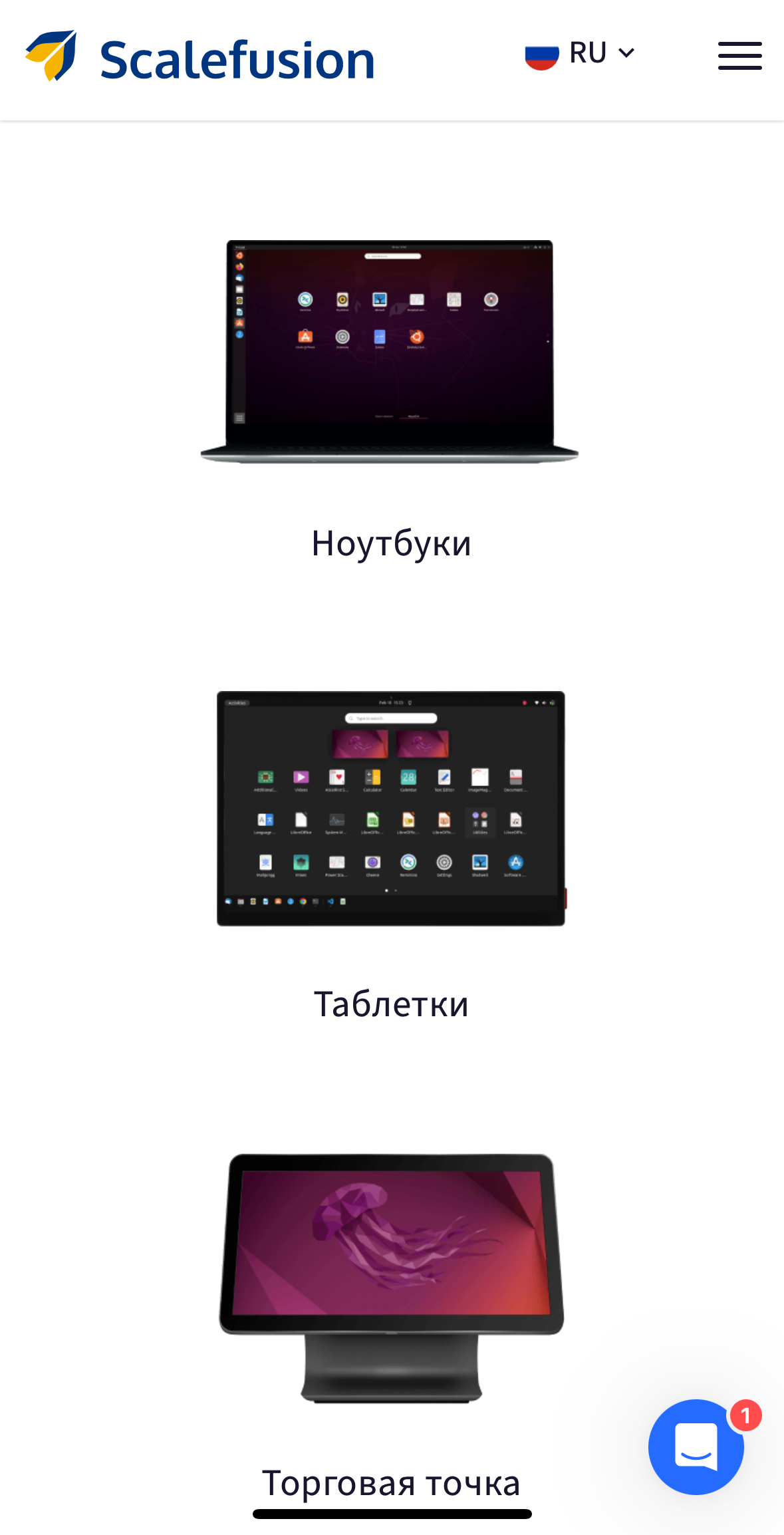
ScaleFusion does this.
+1 for going with a third party on something like this. Your small shop is an expert in whatever they’re doing, don’t try and recreate someone else’s buisness thinking it will be easy
Useful for standardized management of fleets, but requires personnel to maintain and configure it, but I don’t think it’s very effective (or feasible - I doubt they will even join the call for a 1-device contract) for what OP needs.
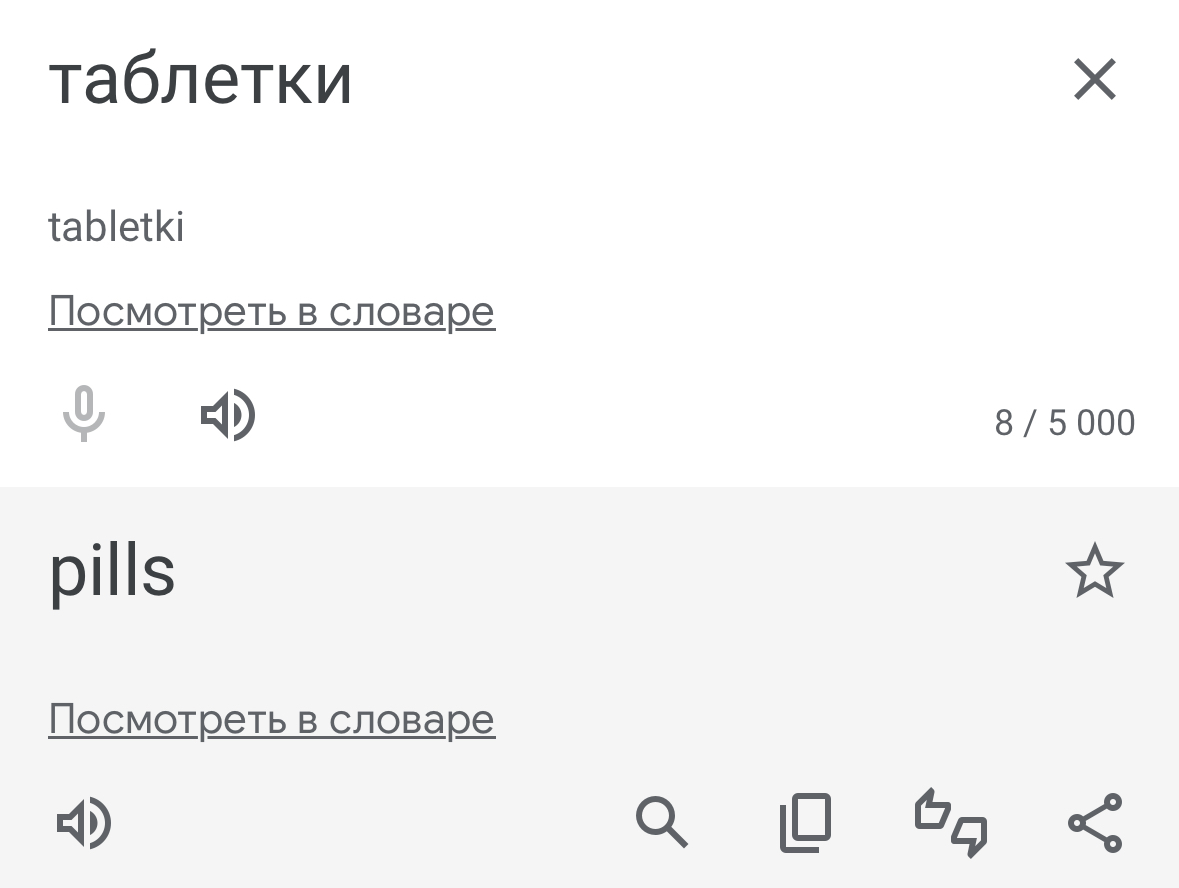
Unrelated, but their w*bsite has tablets (as in type of computer) translated as pills in Russian
Nice
You need a legal solution, not a technical.
What you’re asking for is an mdm solution, but once a user has access to data, that user can copy it whether you like it or not, whatever mdm solution you use.
Even if you lock down everything, break the USB ports physically, I can photograph the screen, for example.
This has been an age old problem and honestly mdm tools are kind of a hammer where you need a screw driver. It advertises a lack of trust on your end, adds a lot of complexity and potential usability problems and in the end will still never be able to protect you 100%
Go for a legal option and find people you can trust. Also know that 100% security does not exist. The only 100% secure computer is off and on fire.
The only 100% secure computer is off and on fire.
This should be on a tshirt
I mean, it’s better to have both an MDM and a legal threat discouraging the employee from bypassing it
However, if something goes wrong, and they do the wrong thing, we want to be able to send out some kind of command or similar, that will completely lock, block, or wipe the sensitive data.
You’re assuming you’ll have a network connection and that sensitive data is all in the same place.
Short of remotely unlocking an encrypted disk on every single boot… and even then…
You need to find someone you trust. There’s no technology that can prevent someone disclosing data if it’s their job to work with that data.
If you treat people with respect and pay them well, you will be amazed at what they give back. Especially autistic people, they tend to have high personal integrity.
VM behind a VPN with a firewall that blocks everything except the rdp protocol and no sudo access?
The best option is to never trust anyone. Depending on how the info is supposed to be used, you can setup a website that does those important things with the sensitive data (stored on the server) without exposing the sensitive data to the user.
Fundamentally, once someone has some of the data, they have that data, and you can make no guarantees to remove it. The main question you need to ask is whether or not you’re okay with limiting it to the data they’ve already seen, and what level of technical expertise they need to have to keep the data.
Making some assumptions for what’s acceptable as a possibility, and how much you want to invest, I’d recommend having the data on a network-mapped share, and put a daily enforced quota for their access to it. Any data they accessed (presumably as part of their normal duties) is their’s, and is “gone.” But if you remove their access, they can’t get any new data they didn’t touch before, and if they were to try and hoover up all the data at some point to copy it off, they’d hit their quota and lose access for a bit (and potentially send you an alert as well). This wouldn’t prevent them from slowly sucking out the data day after day.
If they only need to touch a small fraction of the customer data, and particularly if the sensitivity of the data goes down over time (data from a year ago is less sensitive than data from a day ago) this might be a decent solution. If they need to touch a large portion of the data, this isn’t as useful.
Edit: another nice bit is that you could log on the network share (at your location) which of the customer data they’re accessing and when. If you ever want to audit, and see them accessing things they don’t need, you can take action.
I think the next best solution is the VDI one, where you run a compute at your location, and they have to remote into it. If they screen capture, they’ll still save off whatever data they access, and if they have poor, or inconsistent, connection up your network it’ll affect their ability to do their job (and depending how far away they are it might just be super annoying dealing with the lag). On top of that, it’s dependent on how locked-down they need to be to do their job. If they need general Internet access, they could always attempt to upload the data somewhere else for them to pull it. If your corporate network has monitoring to catch that, you might be okay, but otherwise I think it’s a lot of downside with a fairly easy way to circumvent.
I second the idea that this is a bad idea, but…
Maybe a remote desktop solution is what you want, keep your data local or in your cloud account and provide remote access to a machine that can use it?
You could roll your own self destruct script that will wipe the machine on boot if it hasn’t phoned home in a while. You would want to lock the bios and use secure boot. Qubes may have some relevant features.
Also, consider getting a Chromebook instead. ChromeOS is already a walled garden and I think they are remote wipeable and they can run a Linux vm supported by elgoog.
MacOS + JAMF or similar
Jamf doesn’t do anything for this problem, besides costing you a fortune in both license and maintenance/operation. Especially if you are not a Mac shop.
MDM at most can be used as a reactive tool to do something on the machine - as long as the one with the machine in their hand leaves the network connection on.
There are much cheaper solution to do that for 1 machine, and -as others correctly pointed out- the only solution (partial) here is not storing the data on a machine you don’t control. Period.
Linux almost impossible
Just don’t use Linux for this. Linux is meant to be customizable and configurable. If you want thoughtless drones working on cookie cutter setups, give them Windows or a Mac. Clipping Linux’s wings like like this should be a crime.
Jesus fucking Christ. You are either up to no good or have no business in role you currently occupy.