

I already know that private DNS is important for privacy. I’m using Quad9 btw.
But recently I hear a lot about NextDNS and similar providers that give more advanced features such as custom filters and domain blocking. I’m getting interested in that topic now as I have to use some proprietary apps with a lot of trackers in them.
However I’m really struggling to find useful information about what domains to block, what settings to use in one or another use case etc. I don’t have much experience with firewalls and server stuff either which makes it even harder.
So, could anyone share some good resources on this so I can get started? Or should I just not worry about it and use a whole other system such as firewall?
You must log in or register to comment.
Have a look at RethinkDNS, https://docs.rethinkdns.com/dns/ their wiki is pretty good. They have recommended block lists, and also have a feature that let’s you search inside block lists to see what they actually cover.
If you are on Android they have a companion app, you do not need to use it though. The app adds a good firewall (capture and redirect port 53 for example) and detailed logs if you want. You can block domains and specific IP addresses.
It’s all FOSS too
+1 for the android app ! If you’re “paranoid” you can block all apps by default and only allow apps you trust to connect to the internet. You can even for each app allow certain domains or IP’s, even wildcard domains for exemple to allow googles video chain like
r3---sn-25glene6.googlevideo.comfor only certain apps and not others… Like it’s fully customizable !!!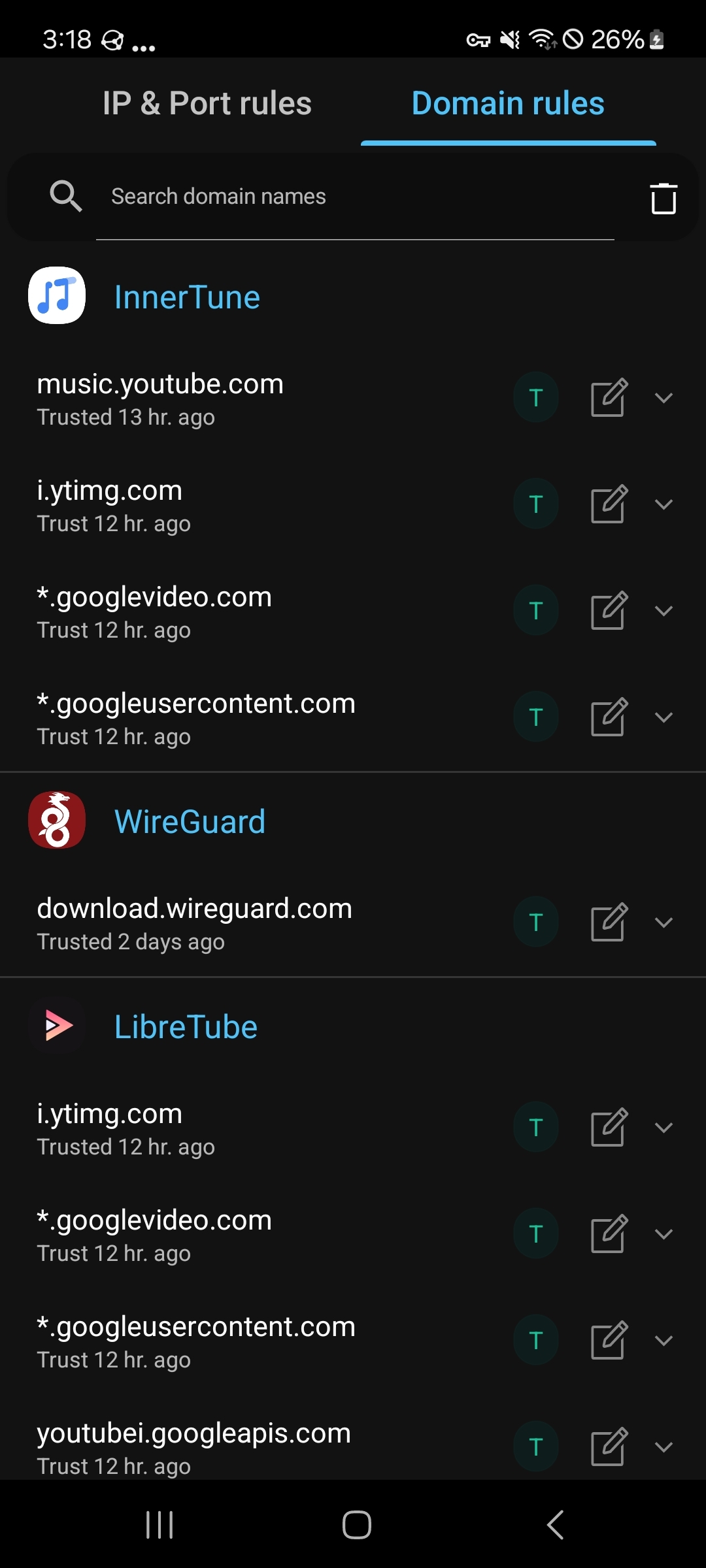
You can even hook your personal wireguard connection with DNS server like pihole…
RethinkDNS is awsome !
I really like the block all apps by default. I read release notes, download something, scan with App Manager. If that’s all good then it can connect to the internet.
And I use the Wikipedia app so I can block intake-analytics.wikimedia.org and the app still works.
Look into DNS over HTTPS. Otherwise no matter what provider you use, DNS is just unencrypted.
Been using Nexdns and is great . It adds the part of adblocking and maybe more agresive and granular filtering . Tried controlid but looks like a fancy version and less customized of it.
Dnscrypt-proxy supports DNS over https (doh), oblivious DNS over https (odoh), DNS over TLS (dot), and dnscrypt (encrypted and anonymous DNS).
IP and domain blacklist. IP whitelist.
End to end encrypted.
You can use quad9, cloudflare, etc, or any provider you like.
I use https://dnscrypt.ca/about.shtml for my doh and as one of my dnscrypt servers.
Depending on your os it’s pretty simple to setup.
This is the way.
Here’s a video covering basically all of NextDNS’ settings! https://www.youtube.com/watch?v=WUG57ynLb8I
deleted by creator
There are host lists out there you can use, eg https://github.com/StevenBlack/hosts
tl;dr you append it to your OS hosts file. On Linux it’s
/etc/hostsdeleted by creator
+1 for RethinkDNS with DNSCrypt and anon relays