

My searx instance is down for a while, and I was forced to use and try all the search engines, all of them are really bad
You can set this as your default search engine and every use it will redirect you to a random searx instance
deleted by creator
just changed my default to duckduckgo before opening lemmy. i often get “Too Many Requests” message and i had enough.
or this one 👉
Messages from the search engines Error! Engines cannot retrieve results: brave ( timeout ) duckduckgo ( timeout ) google ( timeout ) qwant ( timeout ) wikidata ( timeout ) wikipedia ( timeout ) Sorry! No results were found. You can try to: Refresh the page. Search for another query or select another category (above). Change the search engine used in the preferences: /preferences Switch to another instance: https://searx.spaceI couldn’t quite understand, can you elaborate? 😅
Just tried, but I get an “unable to connect” error on all of my devices
The bookmark doesn’t seem to work for me on mull browser android. I’ve added the bookmark link as a search engine:
https://searx.neocities.org/#q=%s&category_general=on
But when i use it with “test” for example, without quotes, i’m just landing on the default page. The searched text doesn’t appear in the searchbox.
Maybe i missed something ?
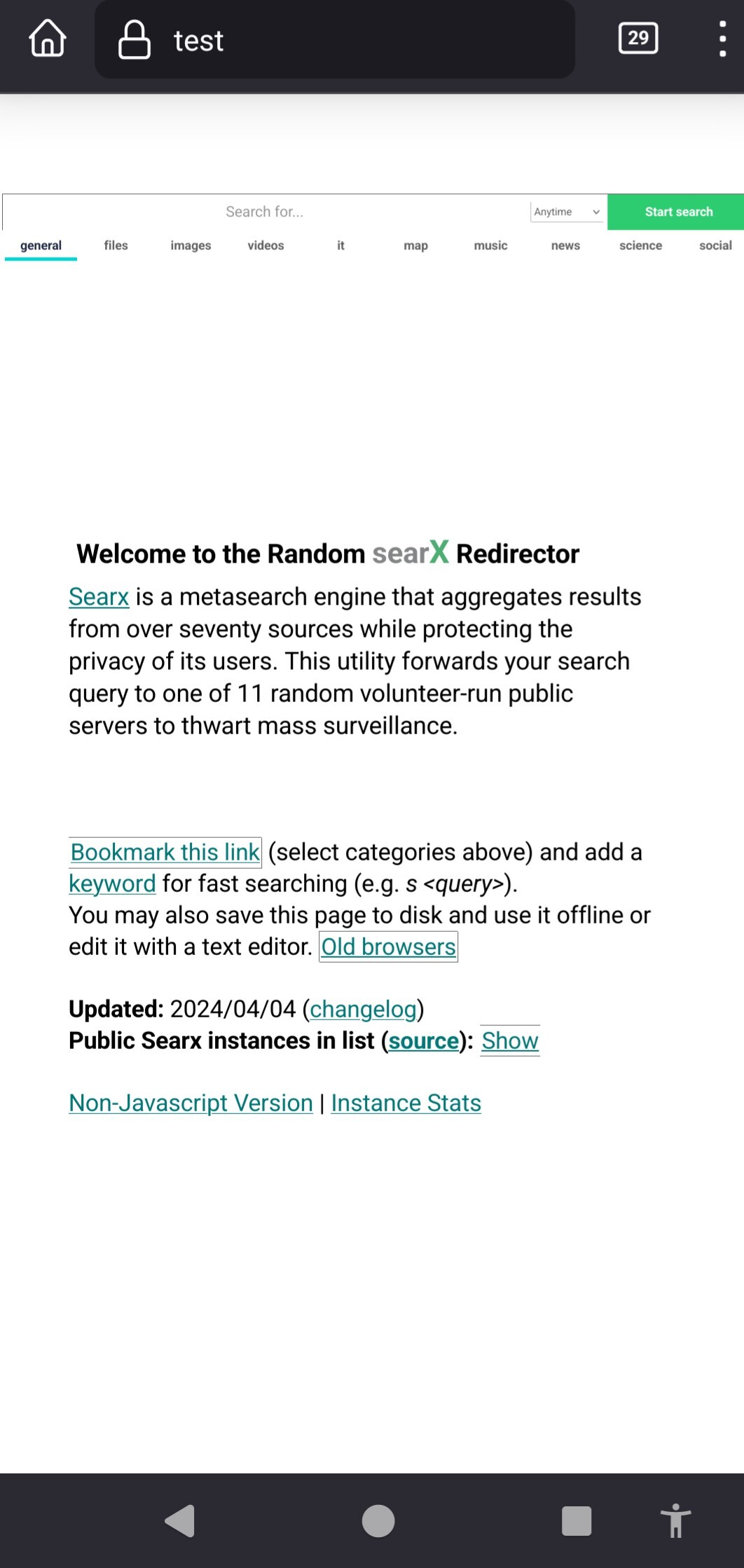
Works for me on mull like that, same url
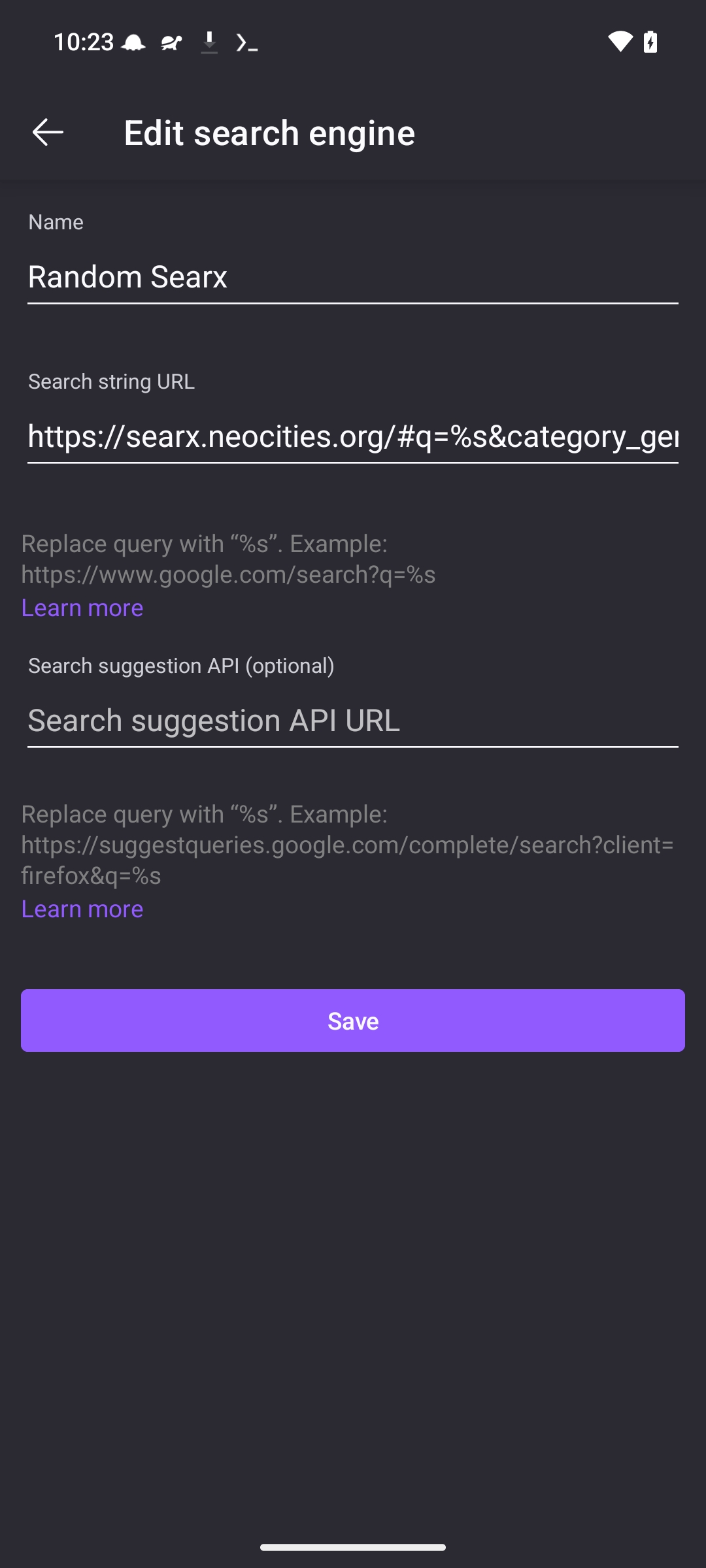
Thanks for the reply. Tried again just now and it works indeed as advertised, sorry for the noise. Maybe because i removed it from my bookmarks (i tried that until i figured there’s no shortcuts in mull). Or maybe some cache expired…
Anyway, it works indeed, thanks !
