comment a screenshot! also if youre usinf android what launcher / widgets / icon pack. considering the flurry of responses someone with the know-how should make a community about this
You must log in or # to comment.
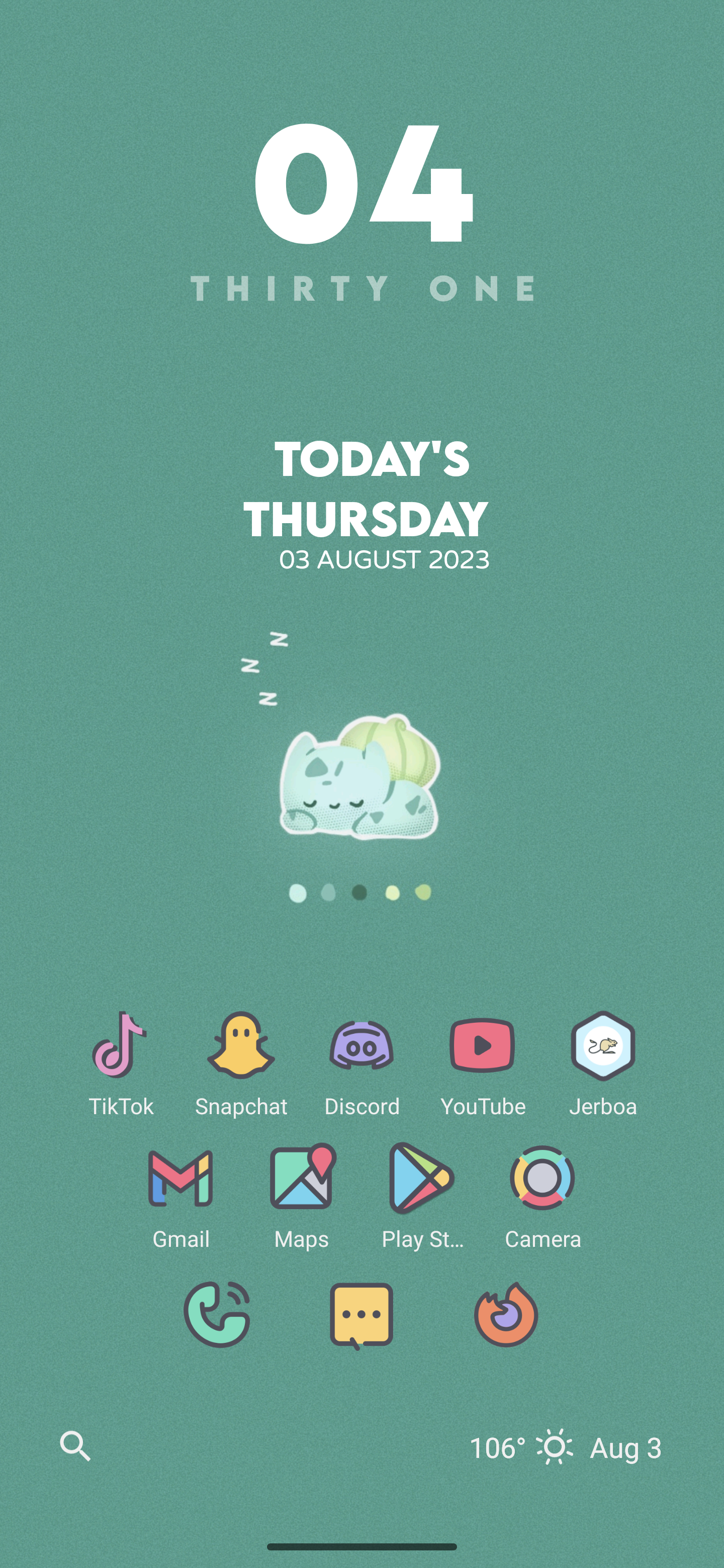
It’s apparently very hot where you live! Just 80s here.
Middle of KS has been hitting 106 (41) this week. It’s been fun.
this might be my favourite
What icon pack is that?
It’s a little repetitive with the time and battery on the top banner, but I don’t like having that hidden.

what icon pack?
It’s called Crayon.
https://play.google.com/store/apps/details?id=com.jndapp.cartoon.crayon.iconpack.
Iirc the widgets are from KWGT or Comic KWGT.
This is so good!
Thanks!
 Wallpaper: wallpapersden iceberg minimalist
Launcher: Nova
Icons: Arcticons dark/light
Widget: Today Weather
Wallpaper: wallpapersden iceberg minimalist
Launcher: Nova
Icons: Arcticons dark/light
Widget: Today Weather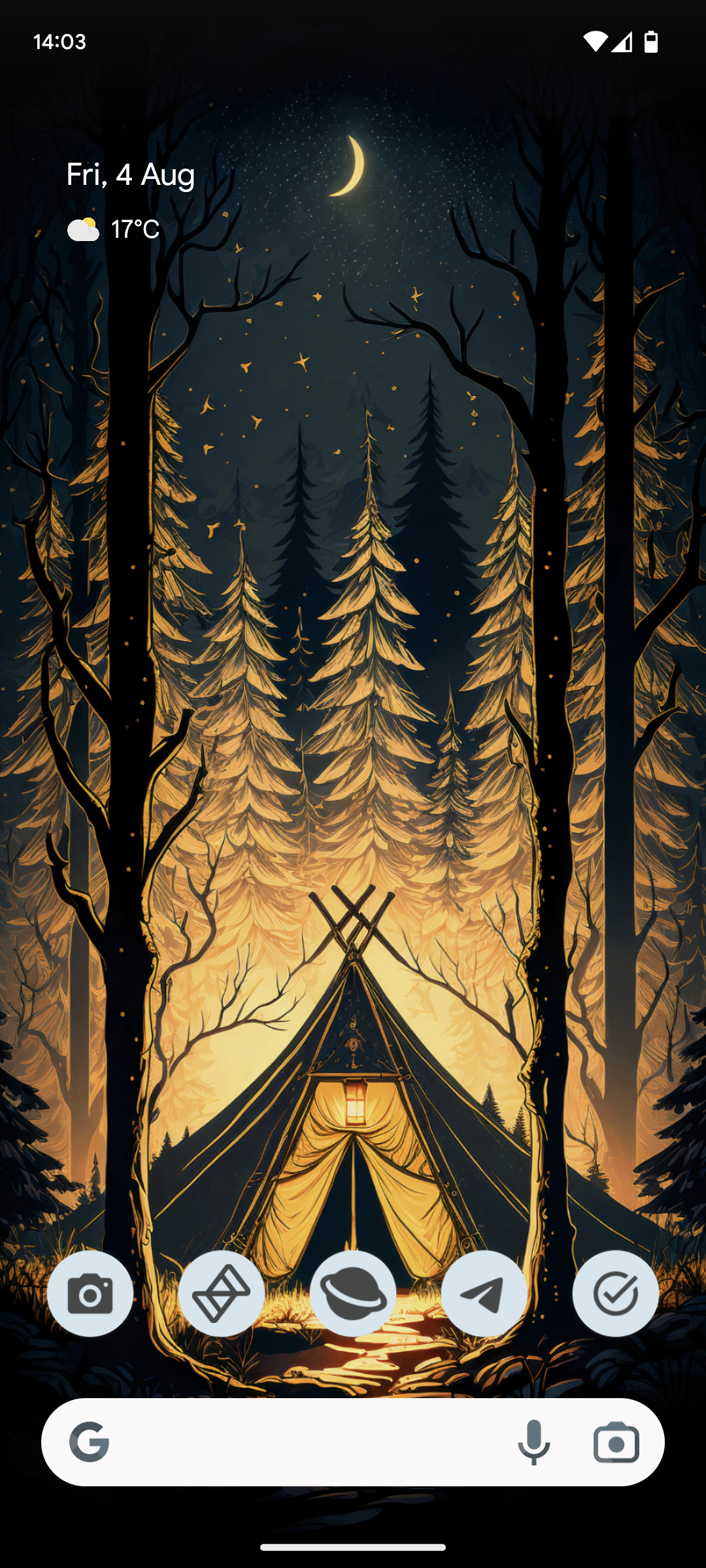
I like to keep it simple.
What’s the iconpack? Or is it the main MY icons?
They are the Material You icons for those apps. If something doesn’t have a Material You icon it can’t live on my homescreen 😂
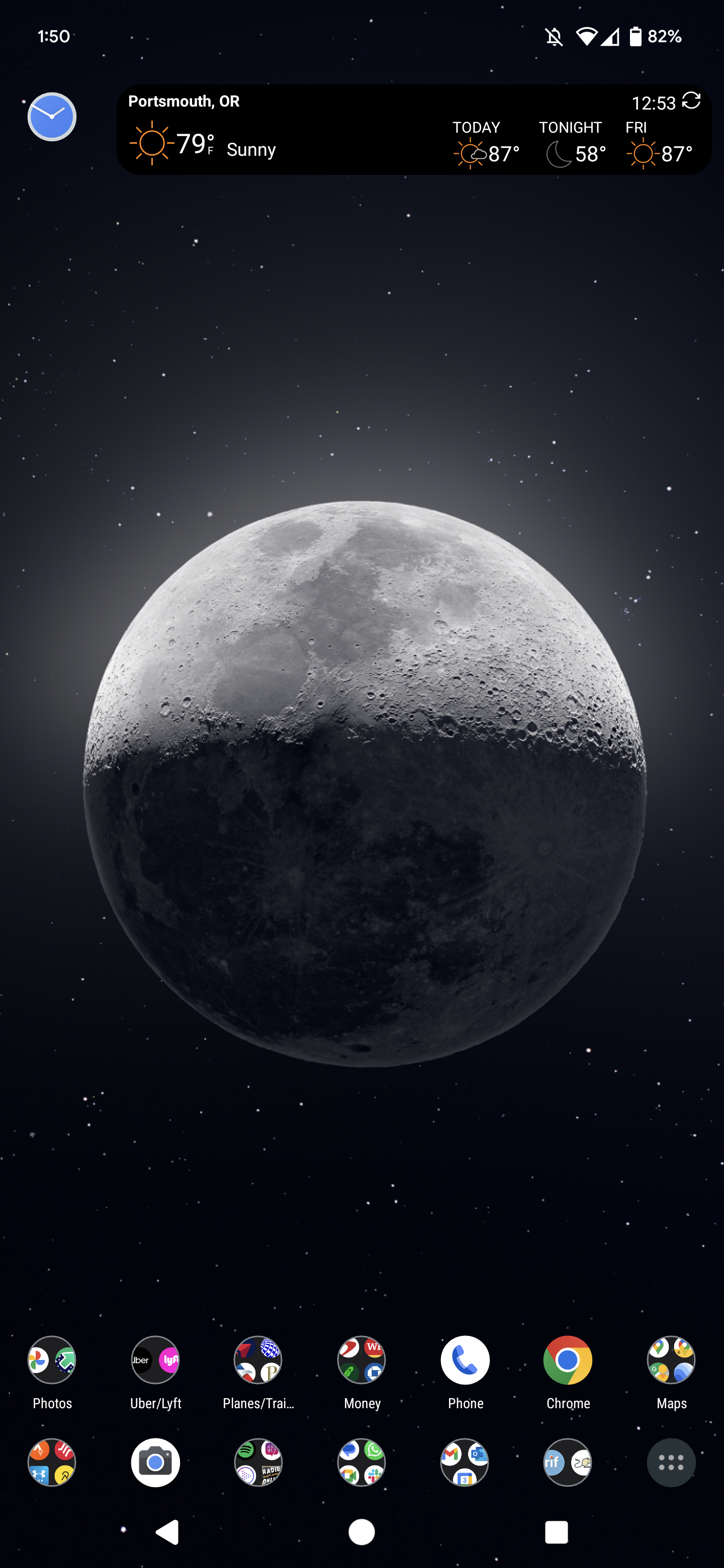
Beautiful moon
There was a guy on r/space, ajamesmccarthy, that posted a lot of incredible moon photos and I used this one for my home screen.
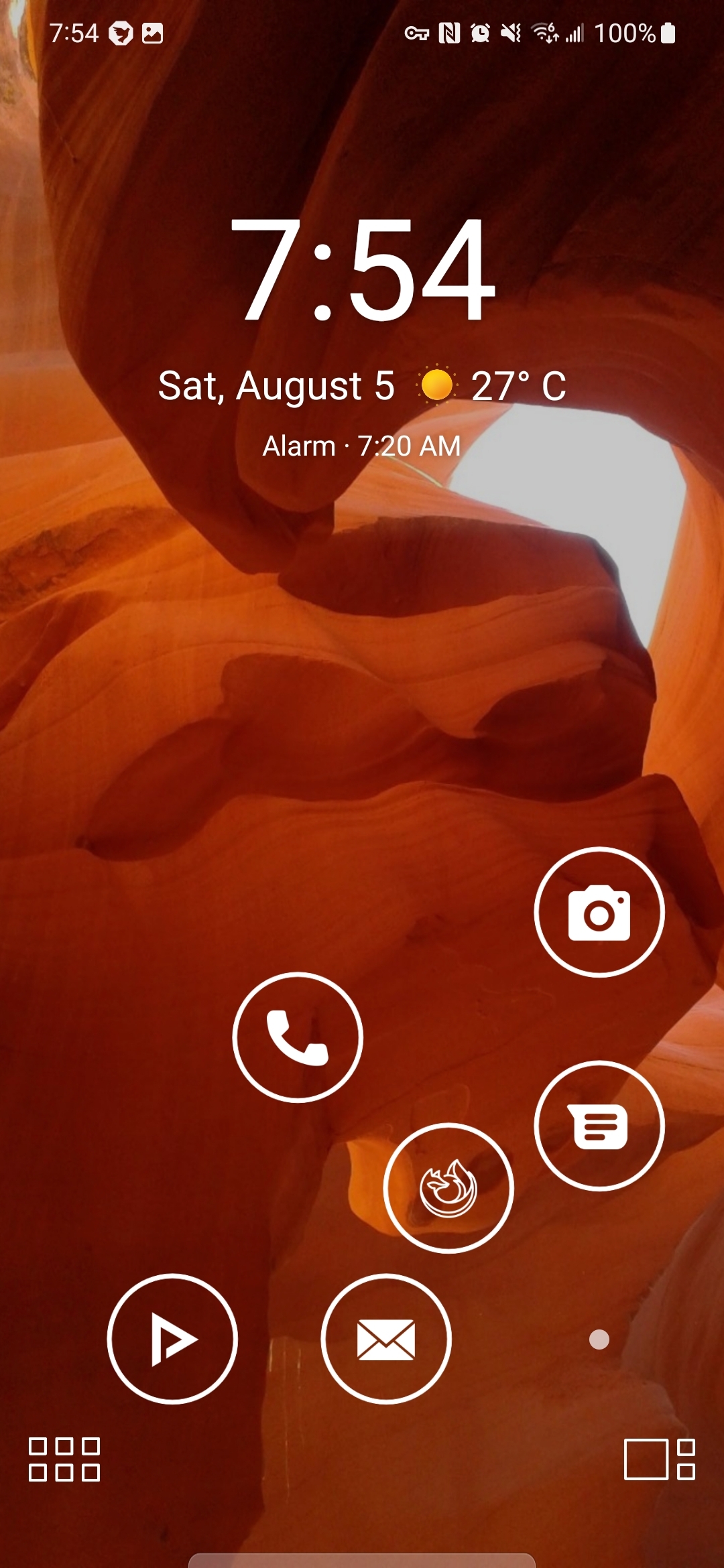
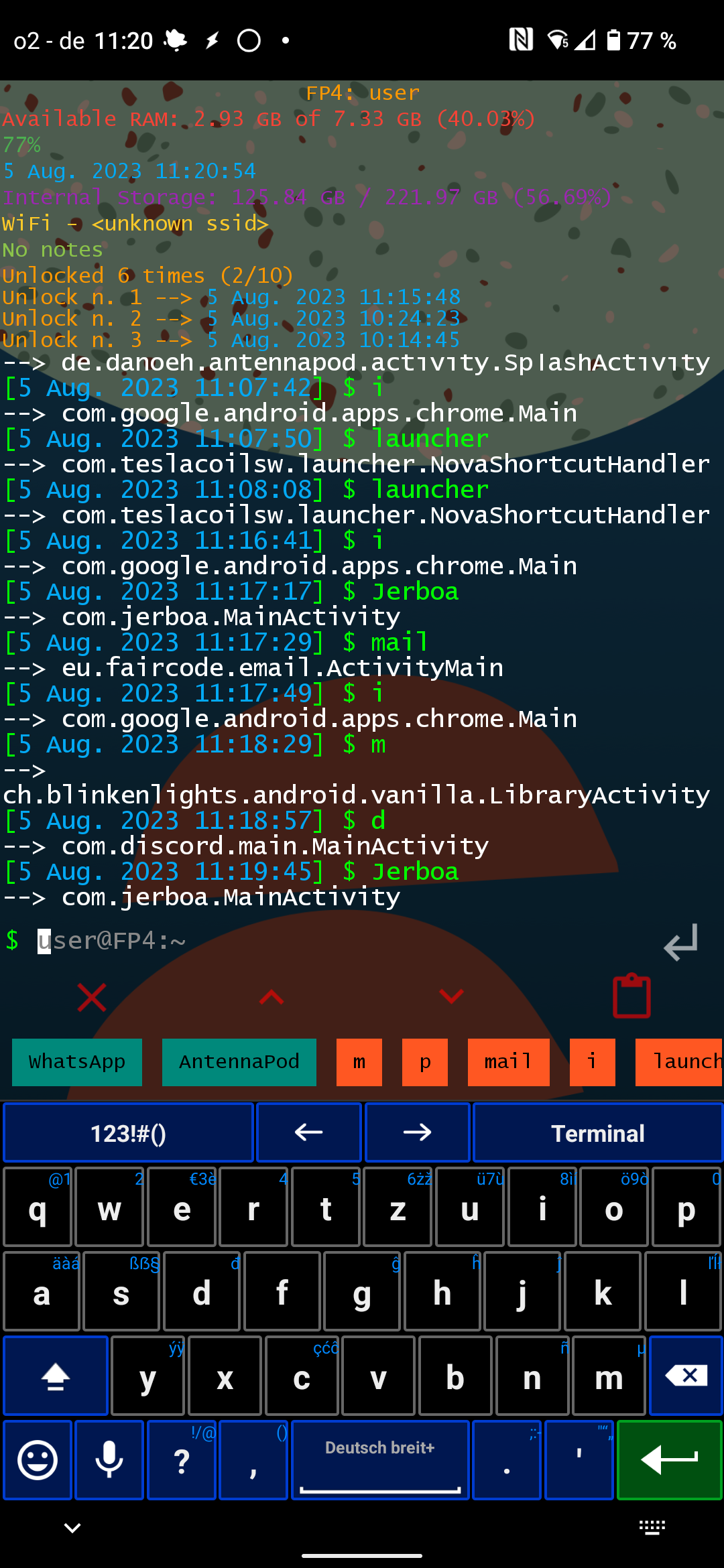
My SmartLauncher homescreen with ergonomically arranged app icons so I don’t hurt my thumb on this massive screen (with double-tap options - so 12 total apps there). Can also hide the icons with the dot on the bottom right.
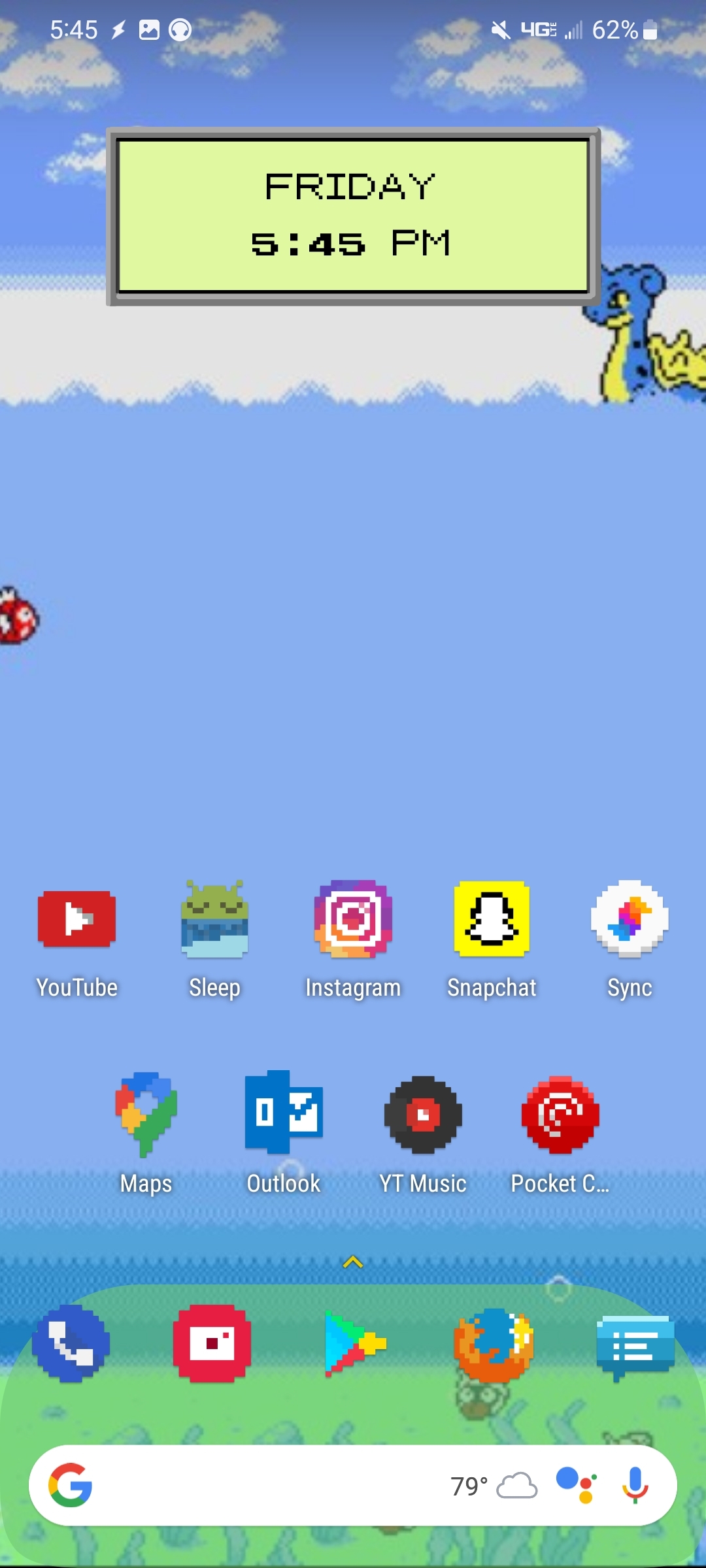
Cool, where did you find all those pixellated icons?
Are you typing a full command like that to launch apps??
No, you get suggestions when typing the first characters. Also you can define aliases like “i” for an internet browser, and you can define commands which are always displayed.in the suggestions, which you can access with 1 tap.
So most apps can be startet by 1 or 2 taps.
Interesting. Sounds like it’s just a techier version of Alfred or other similar launchers, which I love to use actually
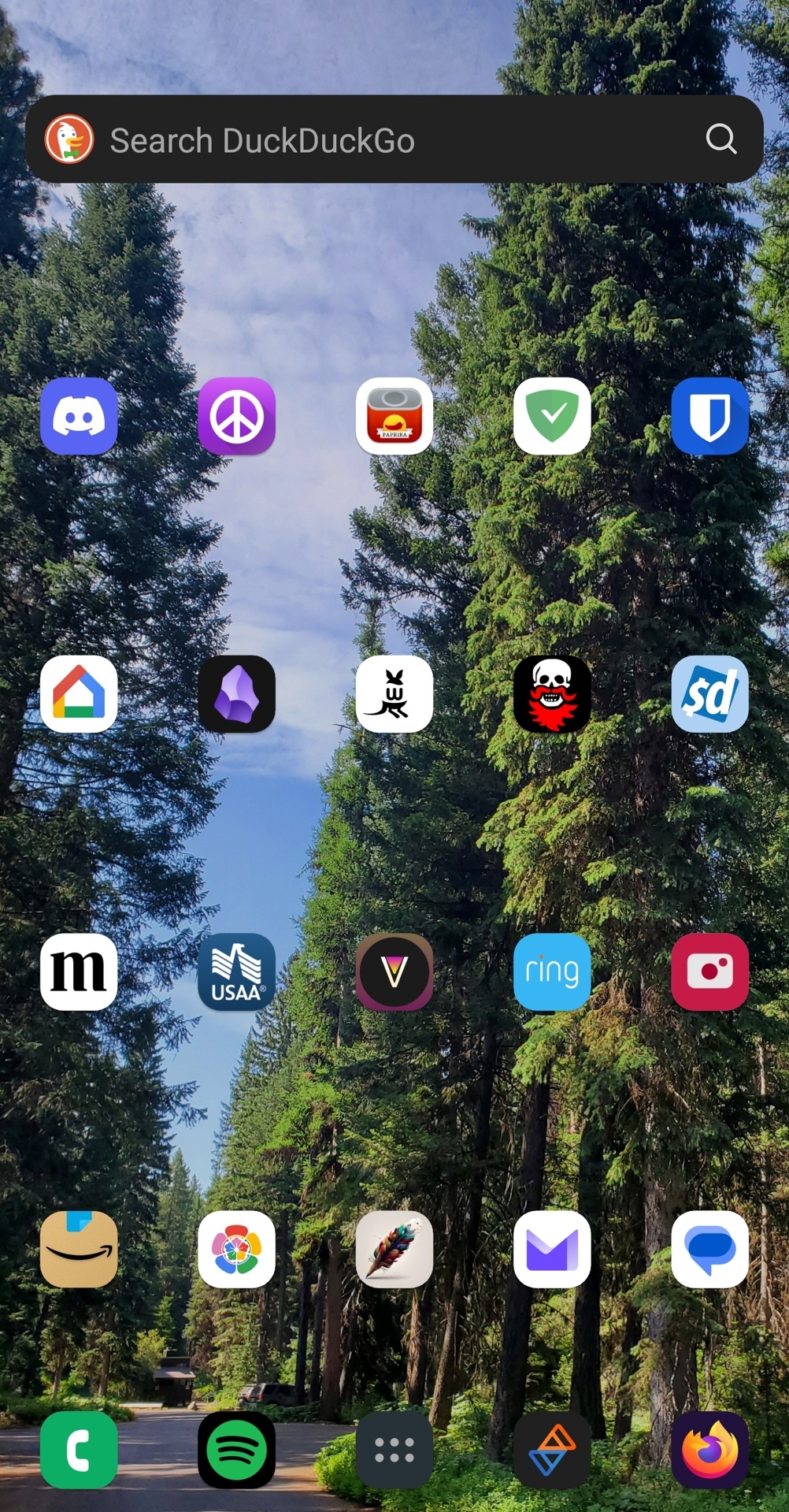
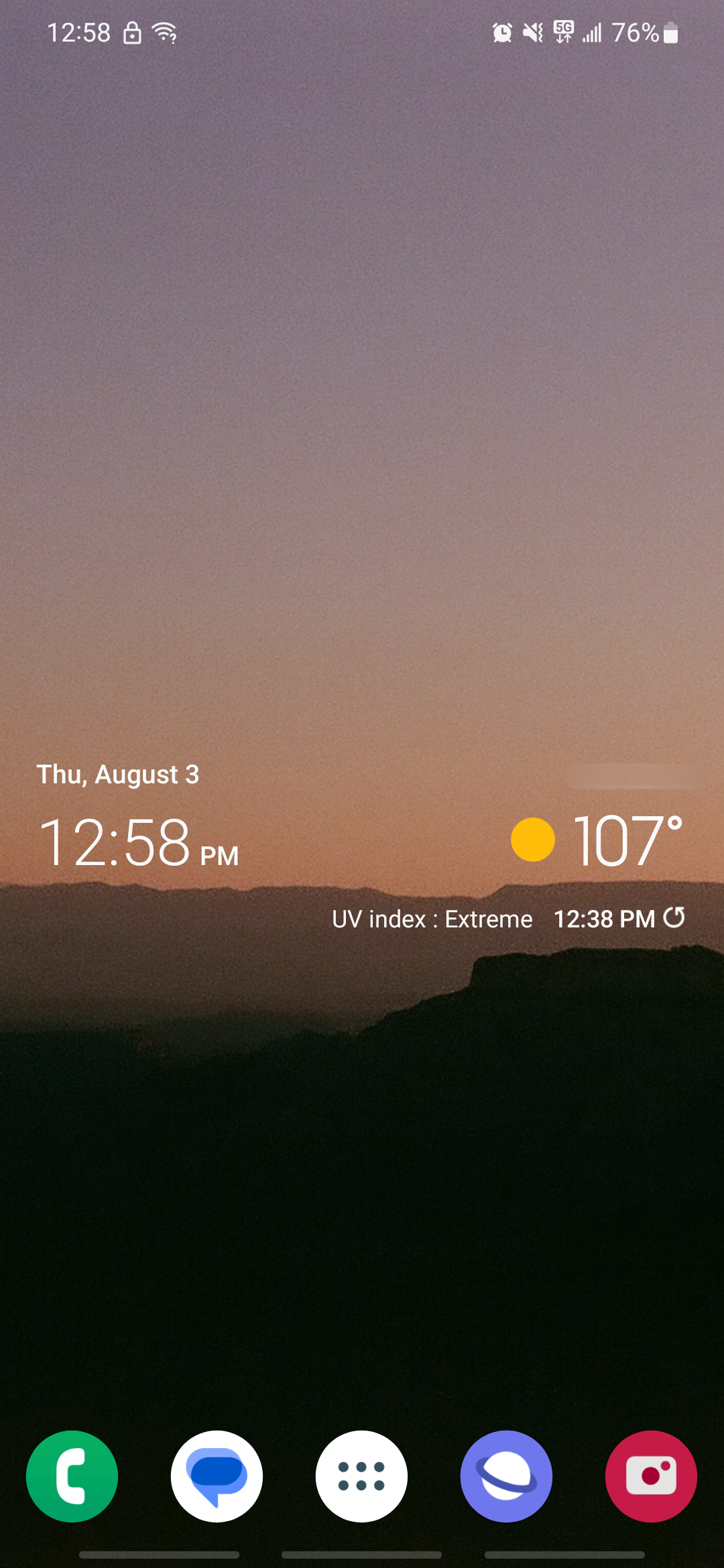
Very clean, I like it!
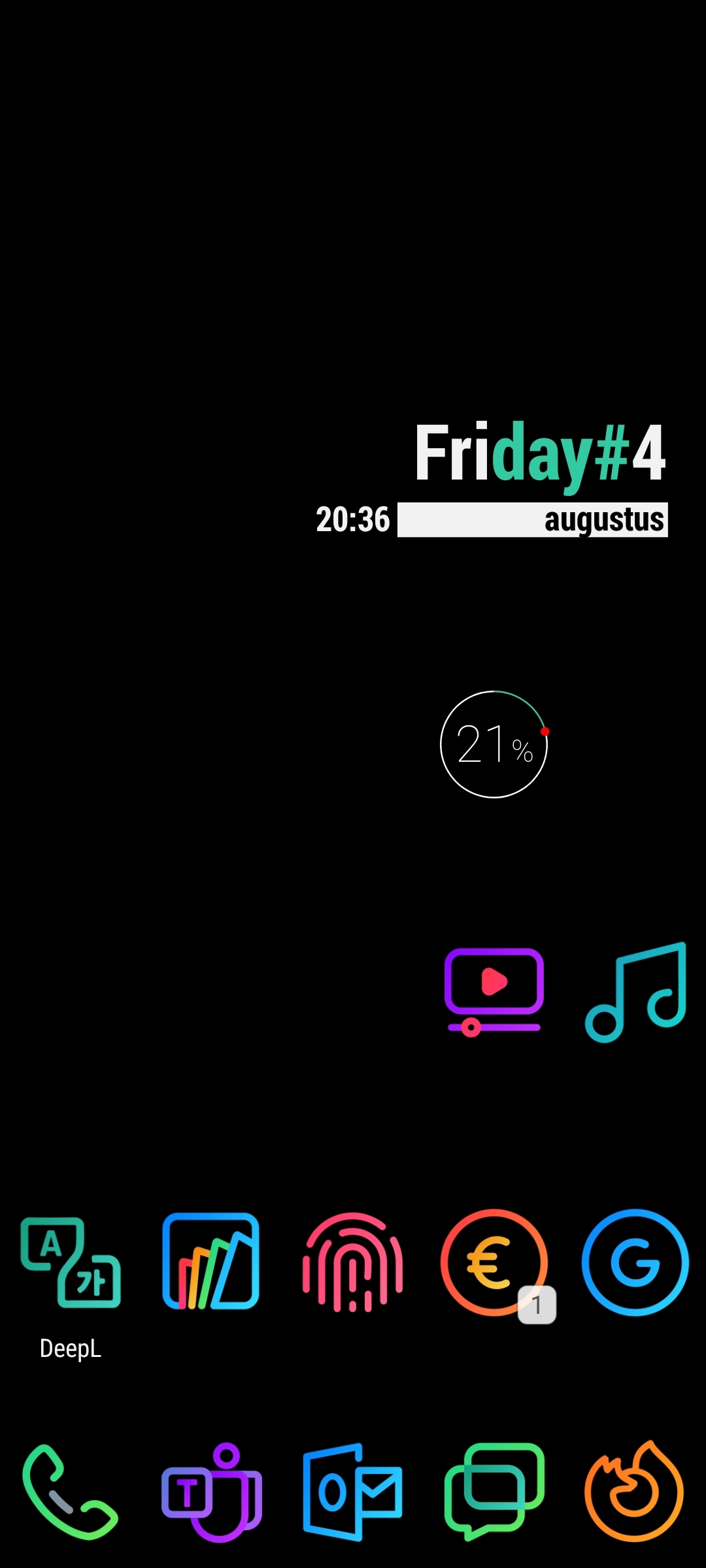
- Nova Launcher
- LineX icon pack
- KWGT
Apps are categorized in folders with only a few apps on the first layer of my home screen.
Nova launcher!

mine is pretty organized
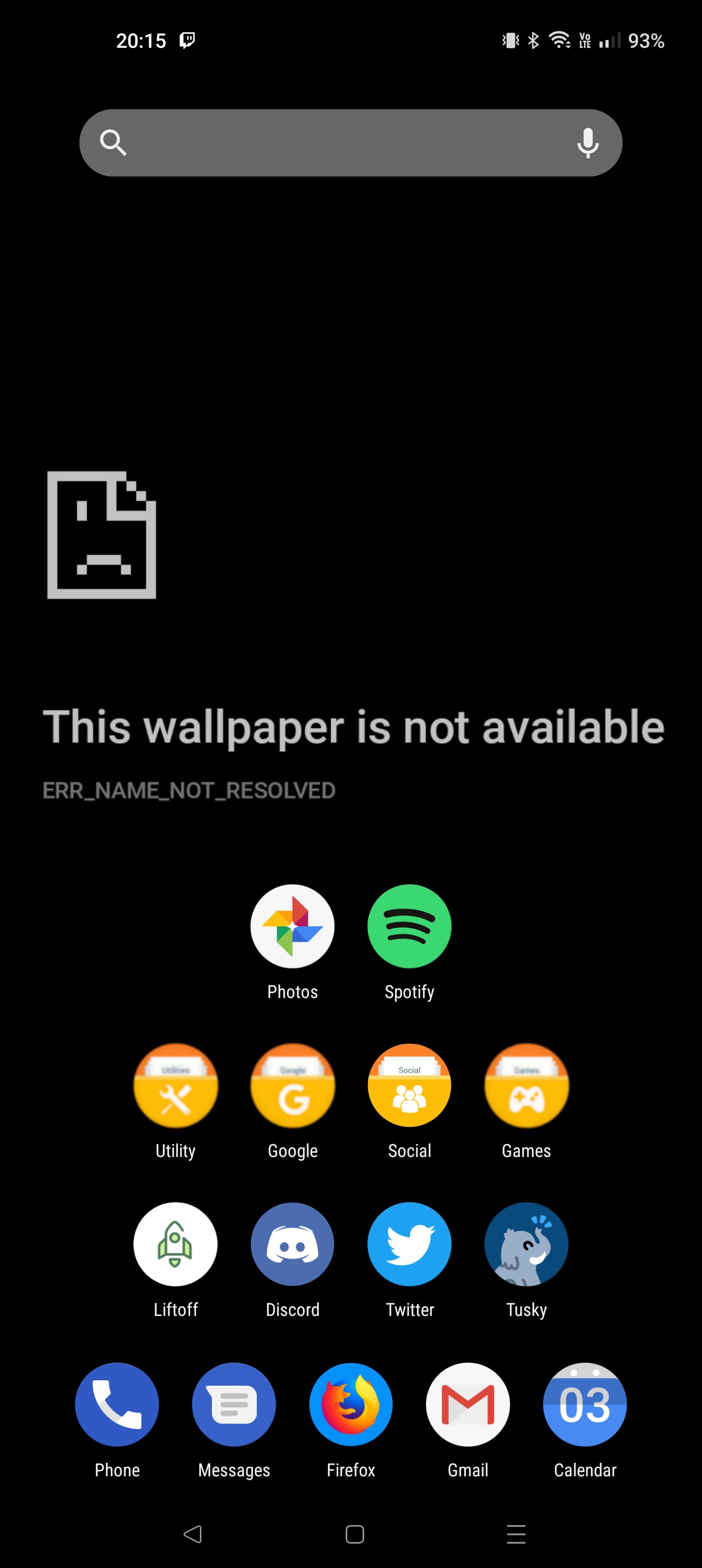
Mine… is not.

dear god…
Look. I know where everything is and why it’s there, except for the three different recording methods in the top right. I know why any one would be there.
Blank spaces are so I can use double tap to open the phone app, since I never use it unless like doctors want to bother me I took it off the bottom bar. Oh, I don’t know what hermit is I guess.
That wallpaper is great!
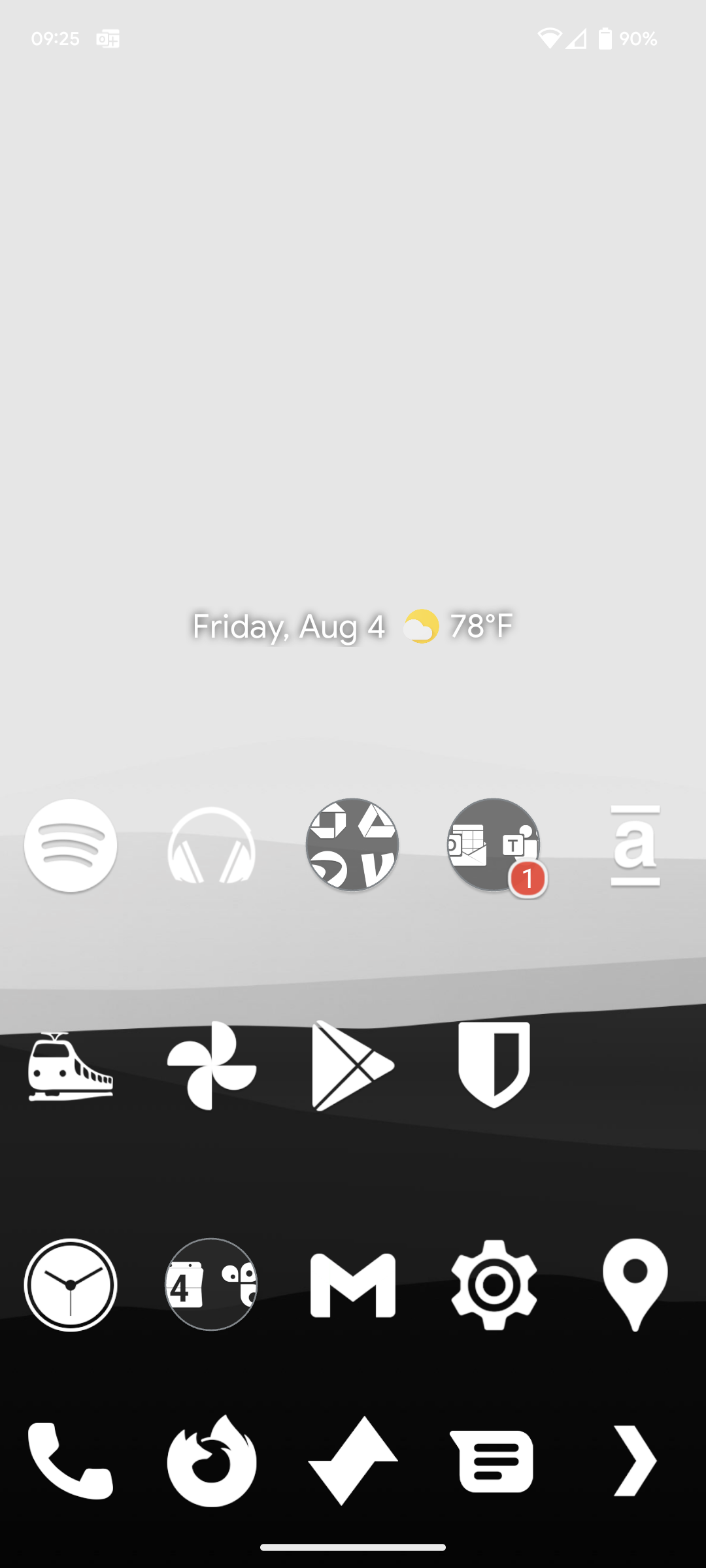

You mind explaining how you use Tutanota but also Proton calendar? I’m sort of confused as Tutanota also has a calendar (I believe). Thanks!
Sure, I made the switch to Tutanota recently but I’m yet to transfer some events from the Proton calendar. Keeping it there until I do that :-)
Ah okay that makes sense, hope the transfer goes well !
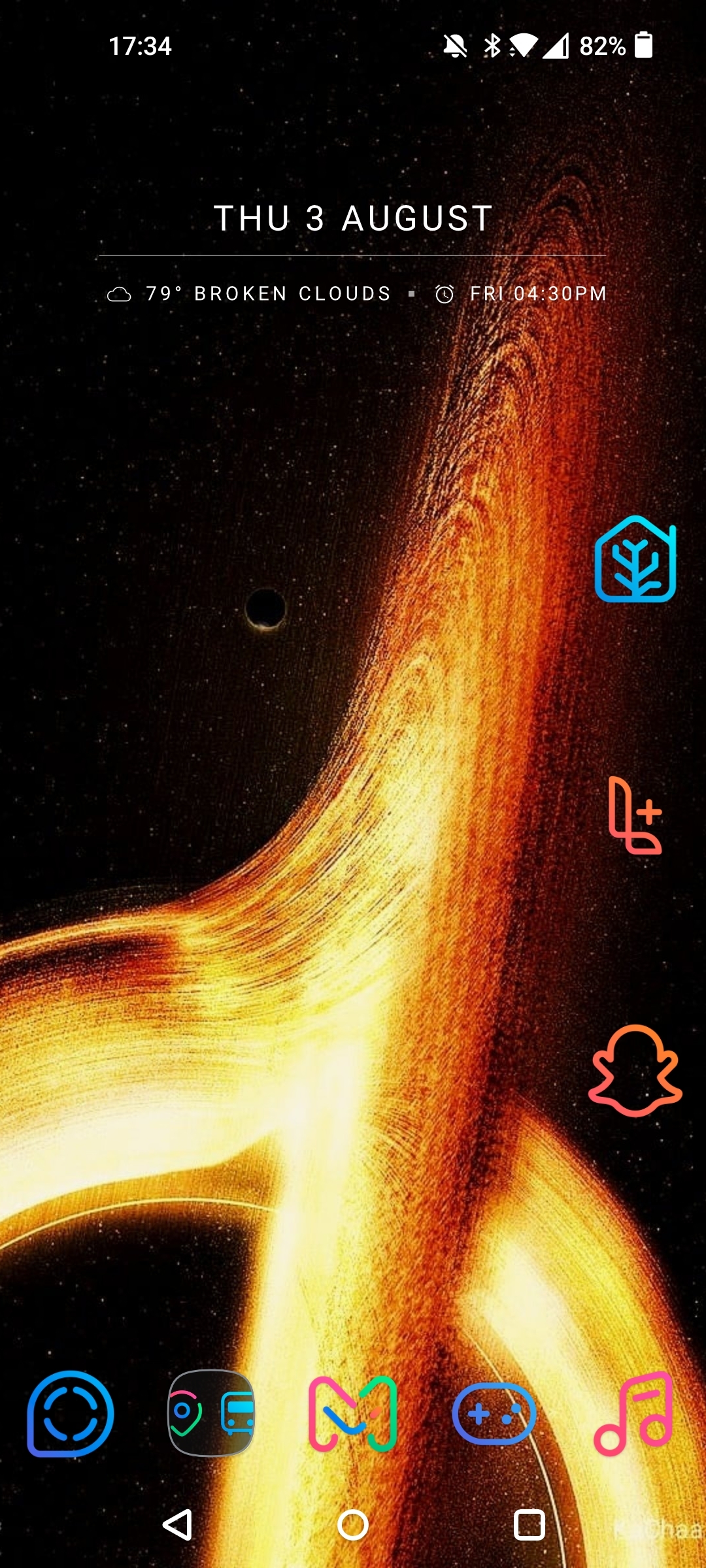
Those icons are dope.
Thanks. They’re called Linebit. I’ll bounce back and forth between that and WhiCons depending on how colorful of an aesthetic I’m going for.
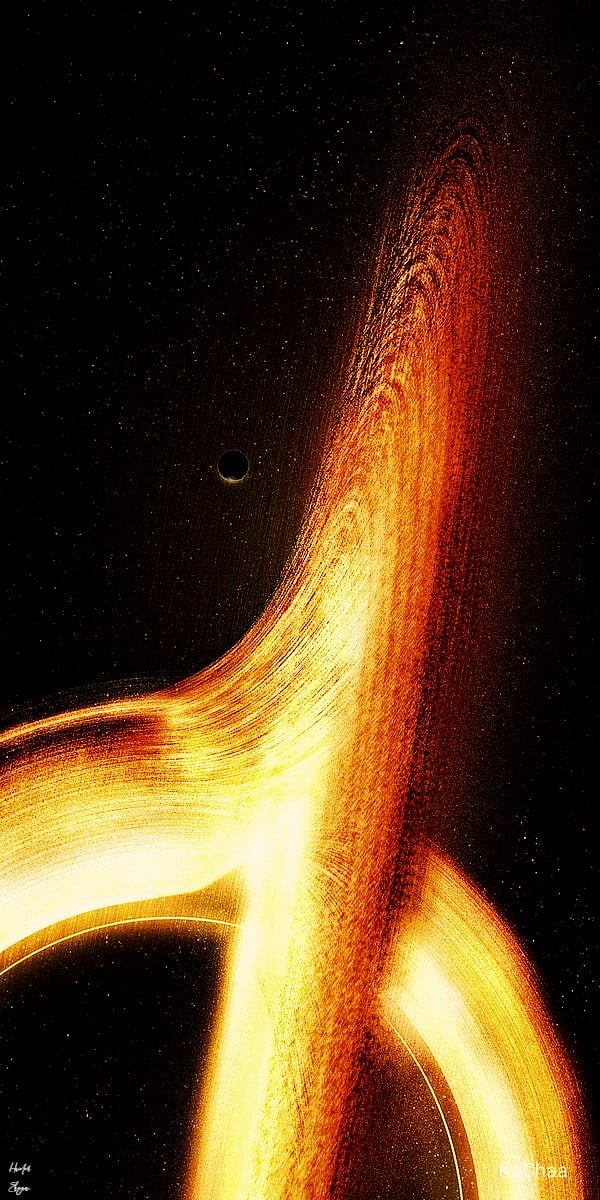
Share your background, please!